


 |
Quick Start |

Easily invoke server side methods from client side
Use WebFlyPostBackManager to invoke server side methods from client side as easy as writing one line of code. With this capability, you can be more productive in the development while at the same time increasing the reusability and maintainability factor of your codes. That also means you can now call the server side functions in more straightforward manner than the previous approach which require you to create a wrapper or implement a specific interface before they are accessible to the client side.
Conveniently retrieve any kind of data, including complex types
WebFlyPostBackManager allows you to retrieve any kind of data types, in either synchronous or asynchronous mode. The control supports basic data types such as string, integer, boolean and arrays -- as well as complex types such as collection, custom business objects and nested objects. The control even allows you to return ADO.NET objects such as DataTable or DataSet with multiple tables, relations and constraints. At the client side, you can access the returned object the same way as you access the object model in the server side.
Turns any standard ASP.NET server controls into FlyPostBack requests (a.k.a callback) without javascript codes
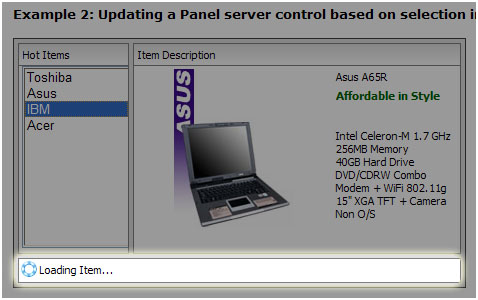
One of the unique innovations in WebFlyPostBackManager component is the ability to change the service as UI (User Interface) mode. When used in UI mode, the control can be used to partially refresh specified server side controls without full page postback. During the FlyPostBack (a.k.a. callback) request, only the refreshed controls are delivered back to the client side and hence reducing the output size. You can customize a lot of behavioral settings related to the UI mode, such as whether you want to make all standard ASP.NET controls in the page to use FlyPostBack requests, or only a specific set of controls.