Objectives
This tutorial demonstrates the basic function of WebFlyPostBackManager to retrieve simple-type results from a SOAP-based XML WebService page.
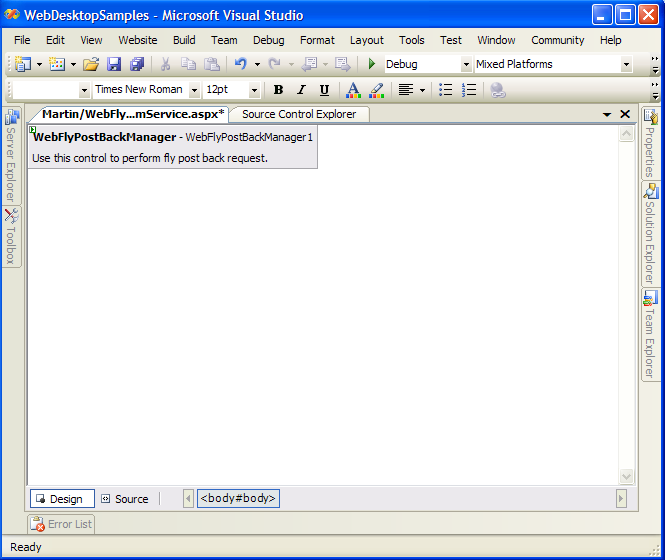
- Drag WebFlyPostBackManager from Toolbox into a WebForm page.
- Create a WebService page in the same directory and leave the name as default, which is "WebServiceSamples.asmx". It will automatically create "WebServiceSamples.cs" in the App_code folder.
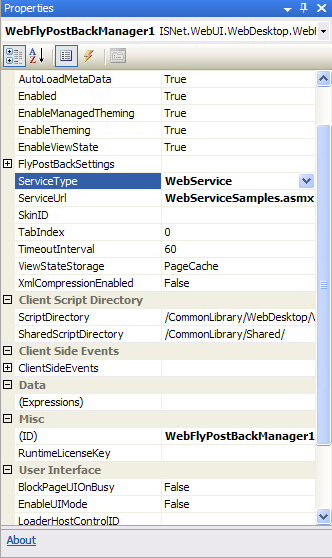
- Set ServiceType to WebService and ServiceUrl to WebServiceSamples.asmx (The URL
path of the page) in the properties box.
- Add a HTML button and named it "Call WebService".
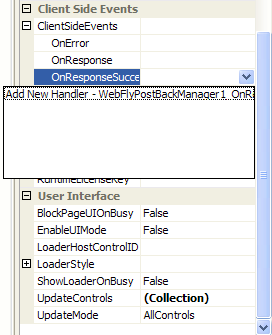
- Add the "OnResponseSuccess" Client Side Events of WebFlyPostBackManager.
- Add the following code in client-side:
Script  Copy Code
<script language="javascript">
function DoClick()
{
var FPBMan = ISGetObject("WebFlyPostBackManager1");
// call the HelloWorld method of the specified ServiceUrl
FPBMan.HelloWorld();
}
function WebFlyPostBackManager1_OnResponseSuccess(controlId, methodName, returnValue)
{
alert("The return value of HelloWorld method is: " + returnValue);
}
</script>
- Invoke DoClick() function in onclick event like the following:
Script Copy Code<input id="Button1" type="button" value="Call WebService" onclick="DoClick()"/>
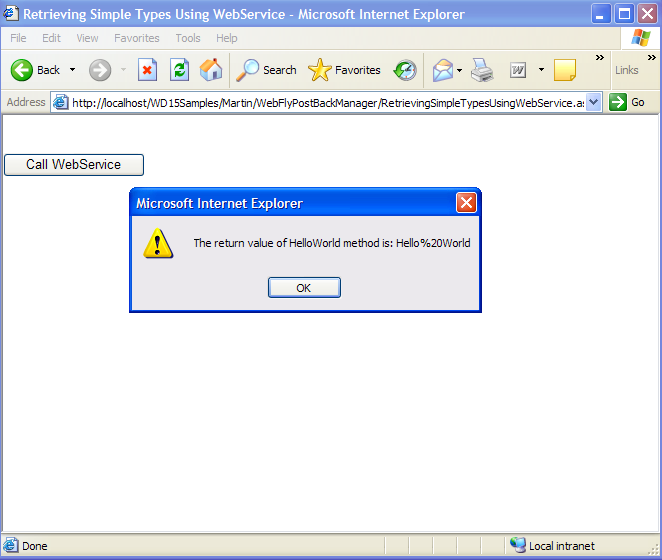
- When you click the button, it will retrieve the simple type result from the defined WebService.
- Run the project and you will see something like following: