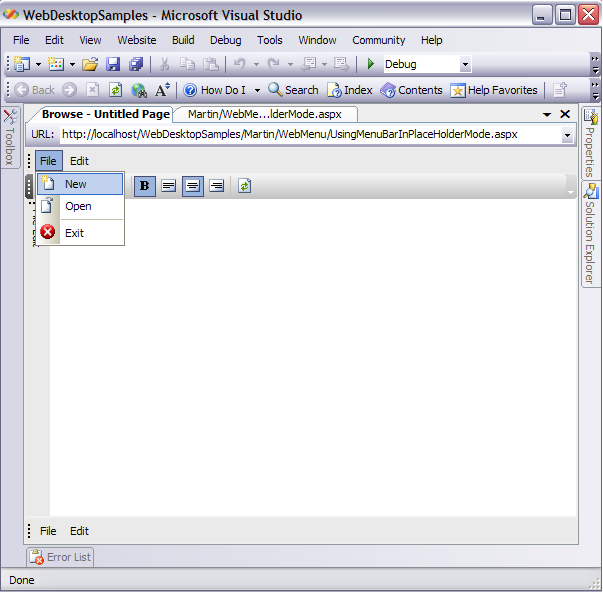
Objectives
This tutorial demonstrates how to use WebMenu with PlaceHolderManager and how you can add WebToolBar together with WebMenu in the same
PlaceHolderManager.
- Drag PlaceHolderManager from Toolbox into a WebForm page.
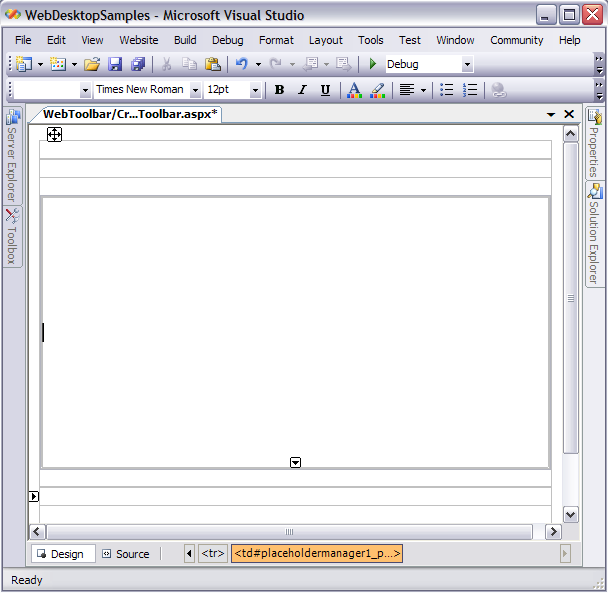
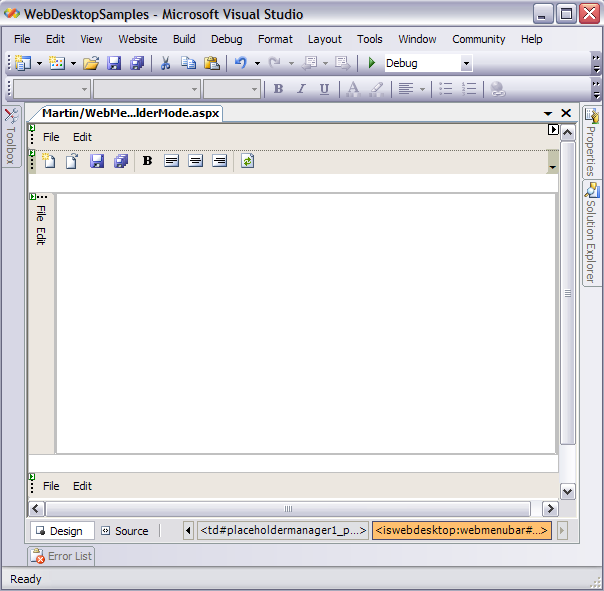
- Drag WebMenuBar from Toolbox into the PlaceHolderManager.
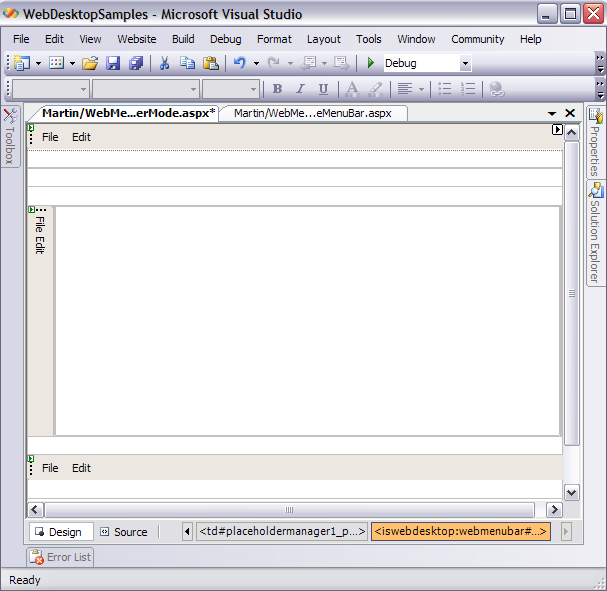
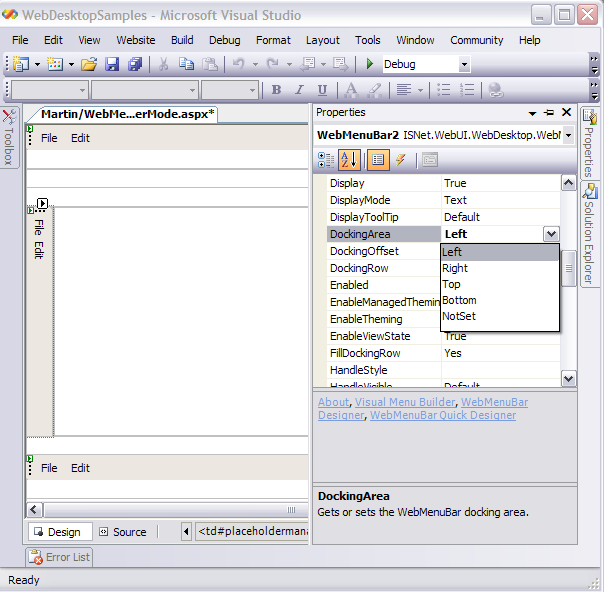
- You may customize Docking position for WebMenu using its properties and set the DockingArea to your desired location.
- Drag WebToolBar from Toolbox into the PlaceHolderManager.

As you can see, WebMenu can be placed together along with WebToolbar in the same PlaceHolderManager. You may also customize the commands for each WebMenu and WebToolBar using their designer respectively.
- Run the Project and you should see something like the following.