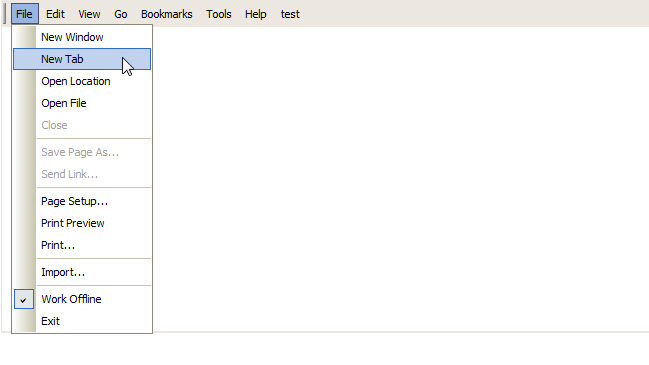
WebMenuBar provides various type options available in MenuItem.
This topic will show you how to work with MenuItem Types by using WebMenuBarBar Designer.
To customize various MenuItem Types
- Right-click on the MenuBar and choose WebMenuBarBar Designer. The designer box will appear as the following.
- Go to Menus and add menu commands as you desired.
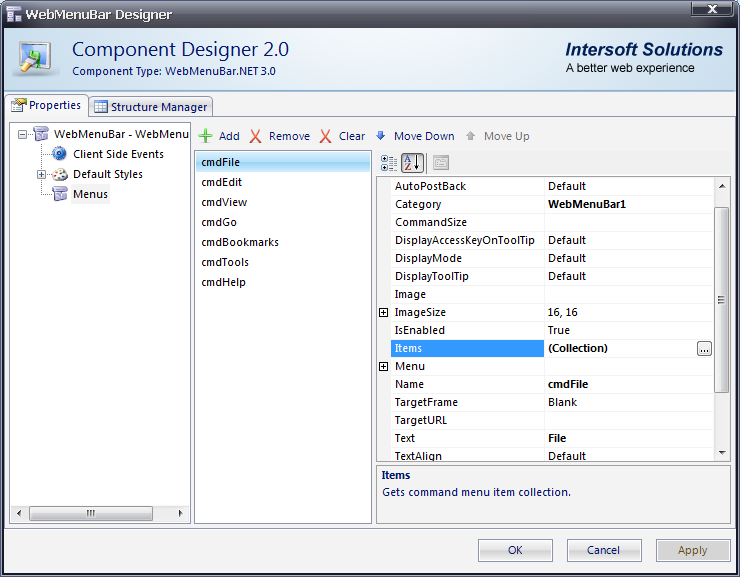
- In Items property on Menus node, click the Collection button. It will bring you to the WebMenuBarItem Collection Editor box.
- You may freely customize menu commands item as you desired. Click OK to apply the settings

In MenuItem Types, we have 5 different types of command, such as:
- Normal
- Radio
- CheckBox
- Separator
- Custom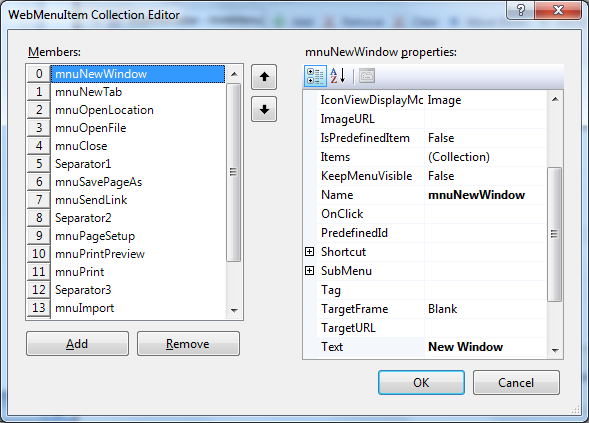
- Run the Project and you will see something like following.