


Objectives
Create a new theme definition for Web application. Please read the topic Using Theme Editor before starting this tutorial for better understanding.
-
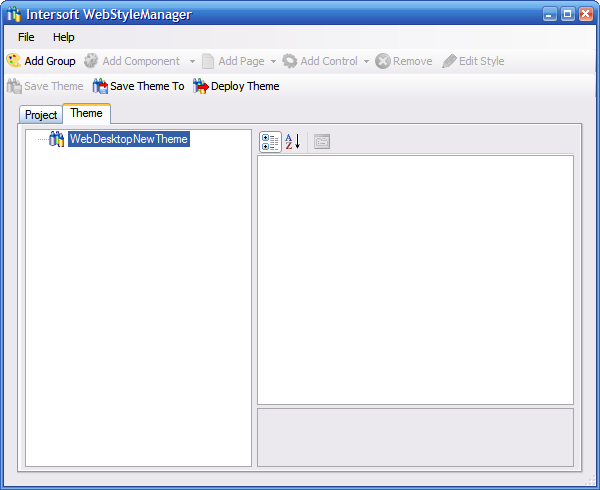
Continuing from the previous tutorial (Creating a New Project), we are now ready to create a new theme definition. Select the WebDesktopNewTheme node and click the Add Group button to add a new group. A theme definition may contain one or more group for better organization purpose. (More information)
-
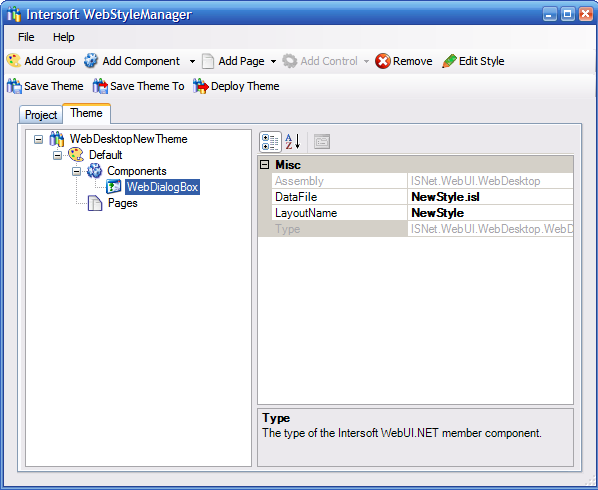
Create a new group as the Default group and select WebDialogBox from the Add Component DropDownButton.
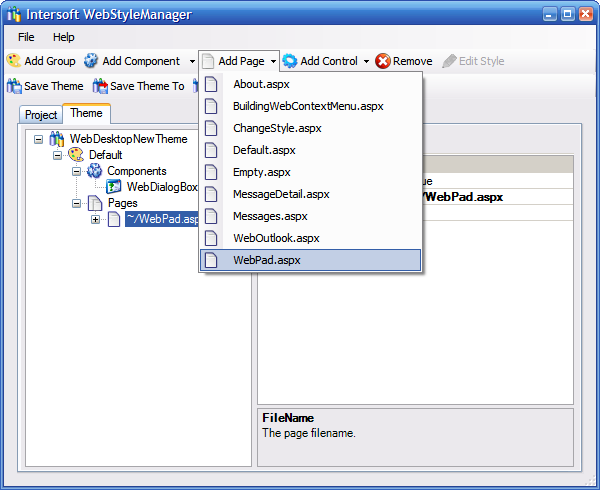
- Add the page 'WebPad.aspx' from the 'Add Control' DropDownbutton. As explained in Using Theme Editor topics, you add a page to override the styles
that are defined in Components node for this specific page. You can set the Enable Theming property of the page to false to enable/disable theming for
the page.
-
At this point we are ready to proceed to the next tutorial which is Creating New Style.