Objectives
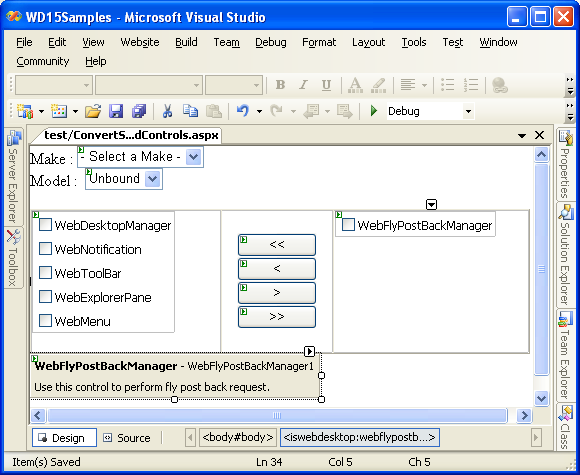
This tutorial demonstrates how to selectively converting standard controls to use callback.
- Converting standard controls to use callback.
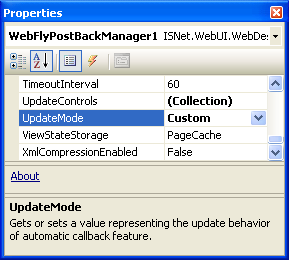
- Set UpdateMode properties to Custom.
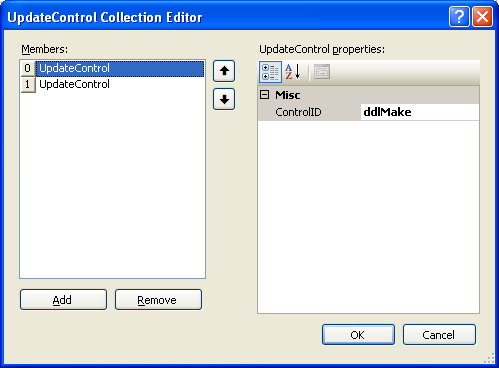
- Add selected controls that will be set to use callback. In this tutorial, add ddlMake and ddlModel.
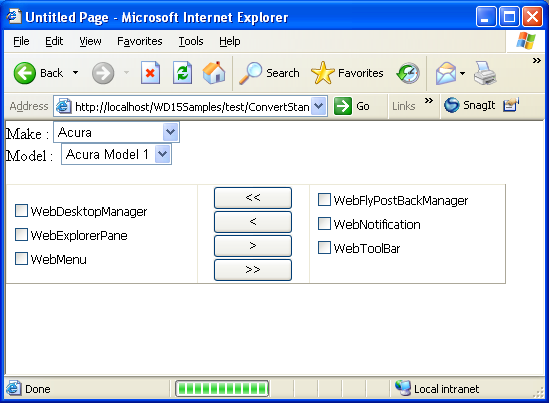
- Run the page. The controls in this page can be selectively set to use callback. Selecting a value from ddlMake will populate data in ddlModel
without causing full page postback.
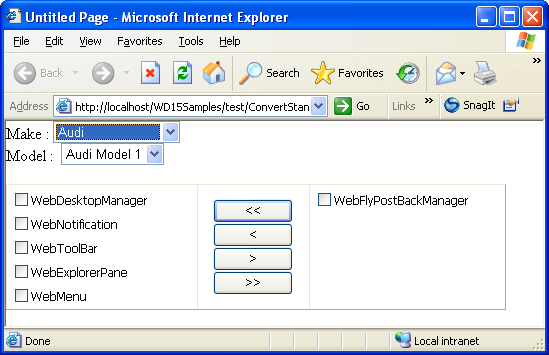
Clicking the button to remove items between CheckBoxLists will cause full page postback.