


When the SaveLayout button in toolStrip Menu is clicked, an SaveFileDialog will appear. From there you can type the xml file name you wish to save or replace and existing one. The actual object in the stage will then be serialized in the form of XML file.
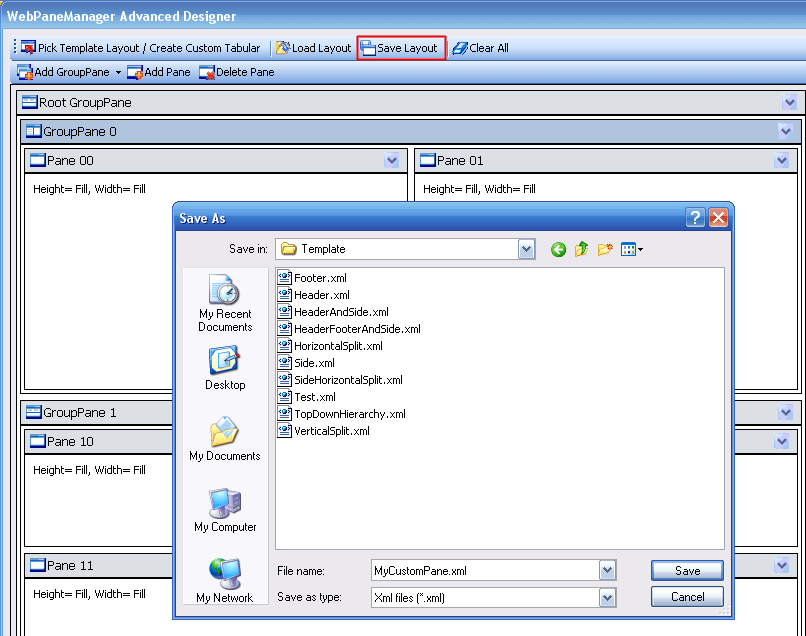
When you have finished saving the WebPane object to xml, you will be returned to the main stage designer.