


When the LoadLayout button in toolStrip Menu is clicked, an OpenFileDialog will appear. From there you can select the xml file which contains the WebPane object information. The designer will DeSerialize the XML to a Pane Object.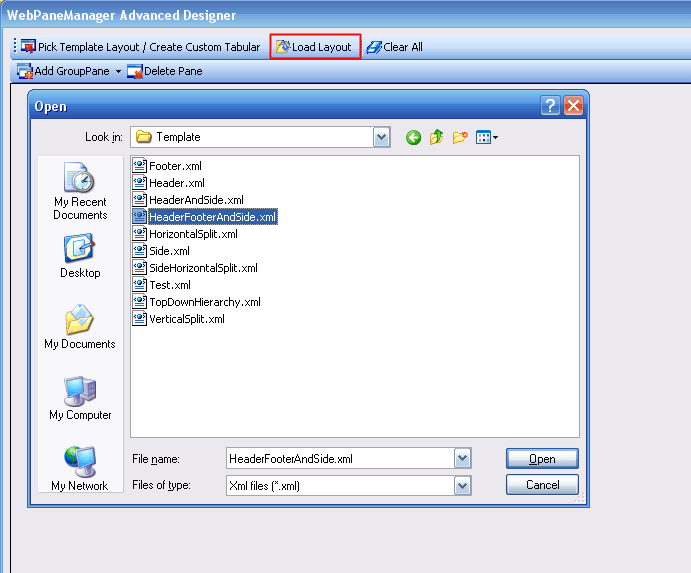
When you have finished choosing the intended xml file, you will then be returned to the main stage designer with the Panes loaded already.