


When the toolStrip button "Pick Template/Create Custom Tabular is clicked, a form will pop up as below
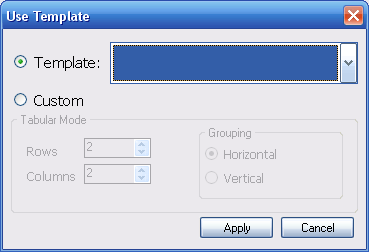
The Default Selected Radio Button is Template where a ComboBox with Image is provided so user can select from a predefined templates. Those are the templates commonly used when designing an application. User can select from those predefined templates and then either directly use the template or perform modification to the template.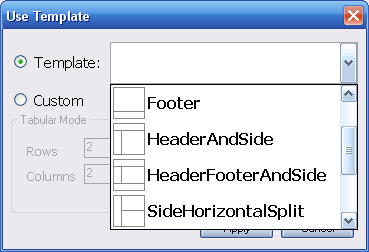
When you have made your selection, simply click apply and you will be returned to the main designer form and see your Tabular Panes generated already there.