Objective
The Convert to GroupPane feature is intended so a Pane can be converted to GroupPane. It automatically provides two options which are "Horizontal with 2 Panes" and "Vertical with 2 Panes".
Since we cannot add a Pane to Pane this feature is crucial so we won't need to remove the Pane and then Add a GroupPane. This feature is very useful when we change our mind during layout design and want to add more pane to a pane. It will automatically convert the SelectedPane to a GroupPane and add 2 Panes inside of it
This toolStrip menu is only visible when a Pane is selected.
SnapShots
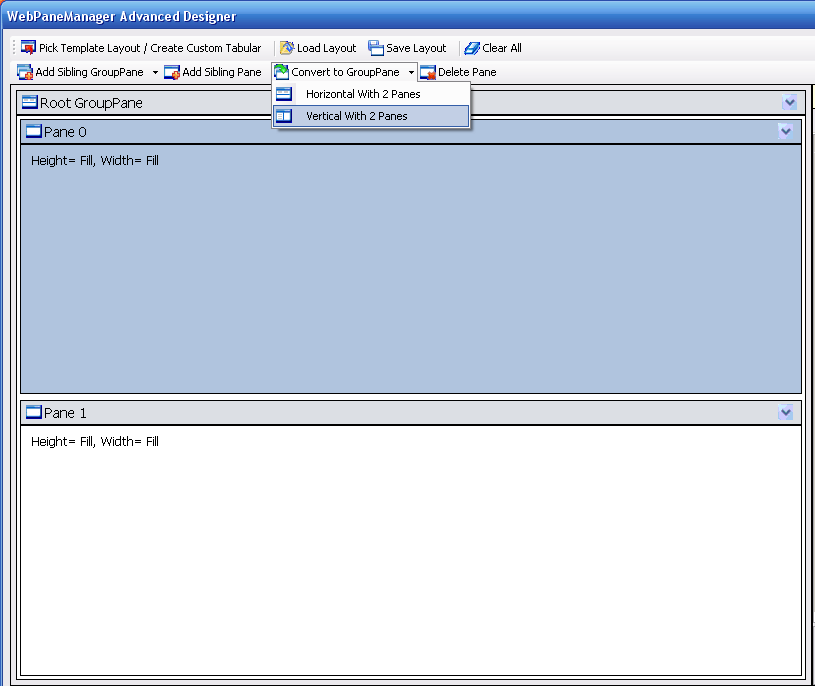
- A Pane is selected then the "Convert to GroupPane" > "Vertical With 2 Panes" is about to be clicked
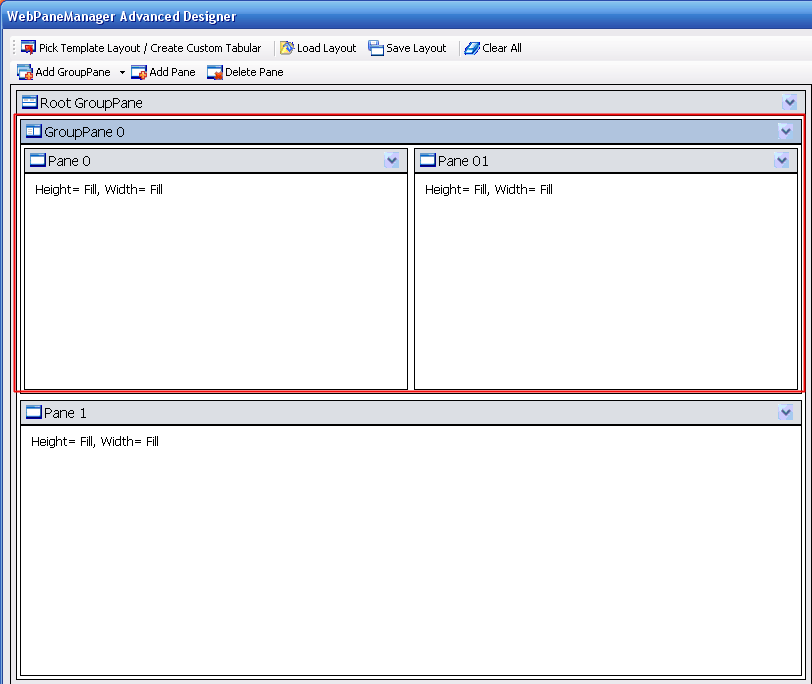
- The resulting Vertical GroupPane with 2 Panes inside of it