Objective
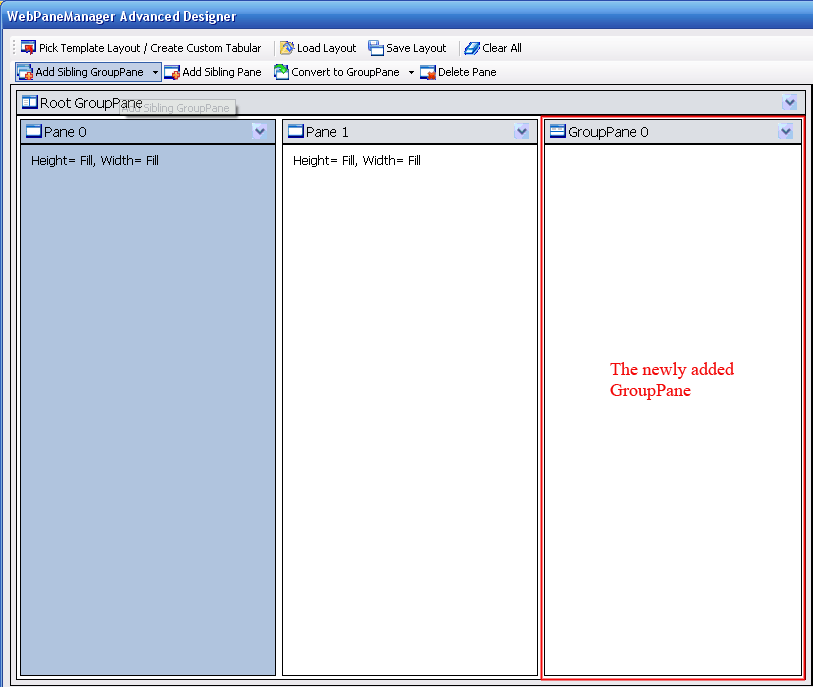
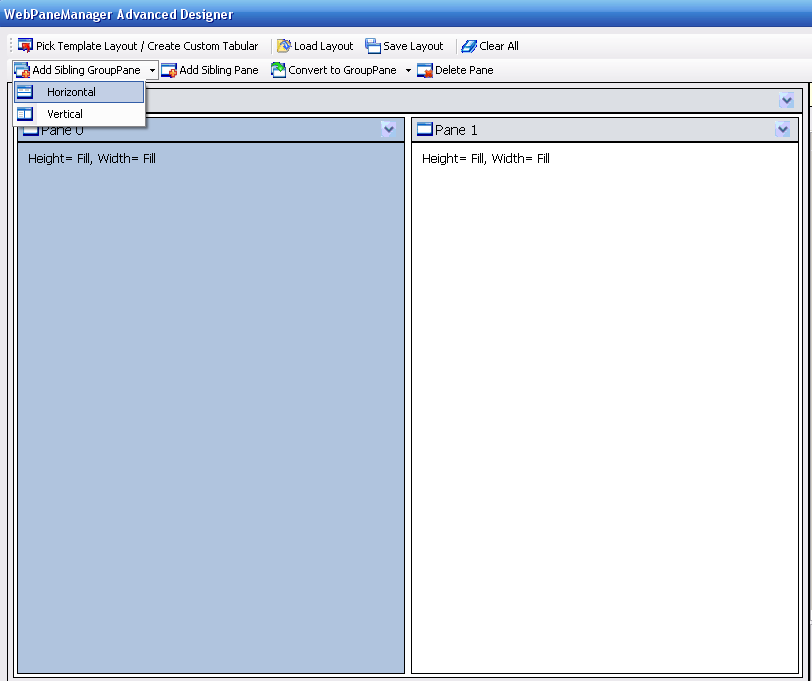
The Add Sibling GroupPane menu is used to add a Pane under the same GroupPane as the selected Pane. Basically it has the same functionality as Add GroupPane. As with adding you also have 2 options in the DropDown value which is Horizontal and Vertical to create different type of GroupPane.The only difference is when clicked a "sibling" GroupPane is created not child GroupPane. This menu is only visible when a Pane is selected.
SnapShots
- Before the "Add Sibling GroupPane" is clicked.
- After the "Add Sibling GroupPane" is clicked, notice the new GroupPane added.