


Objectives
NavPane Structure can be created using designer or code behind programmatically.
Following are the steps how to create it NavPane structure programmatically:
- Create a WebPaneManager as shown in the picture bellow (you can see tutorial how to do it in WebPaneManager Tutorials).
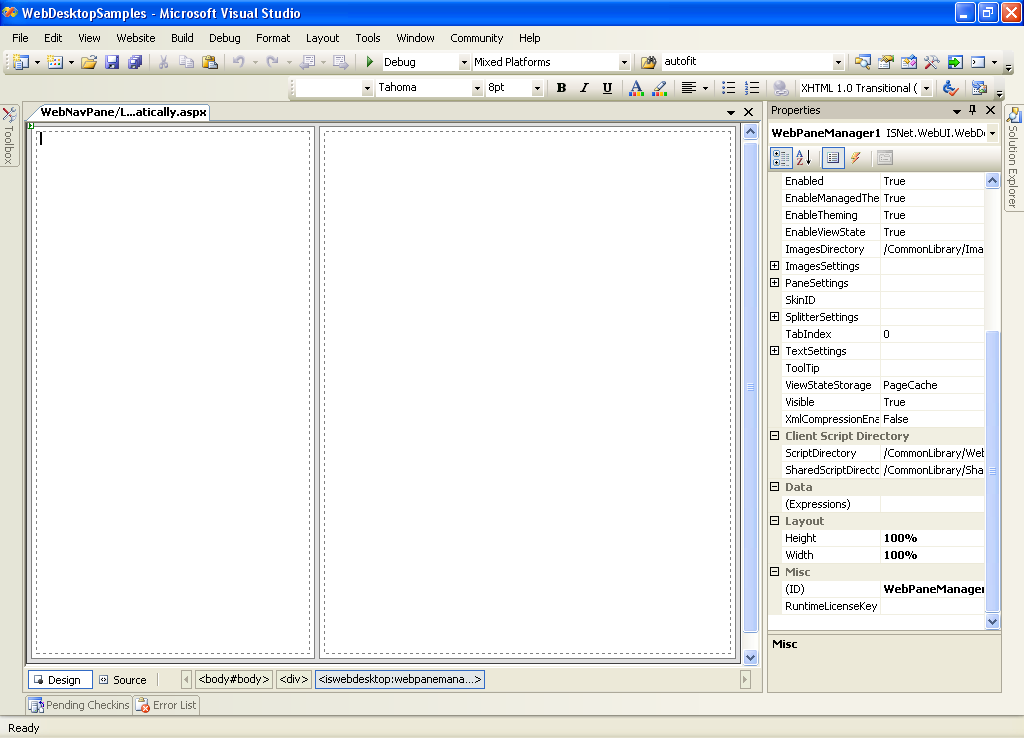
- Drag a WebNavPane inside the Left Pane.
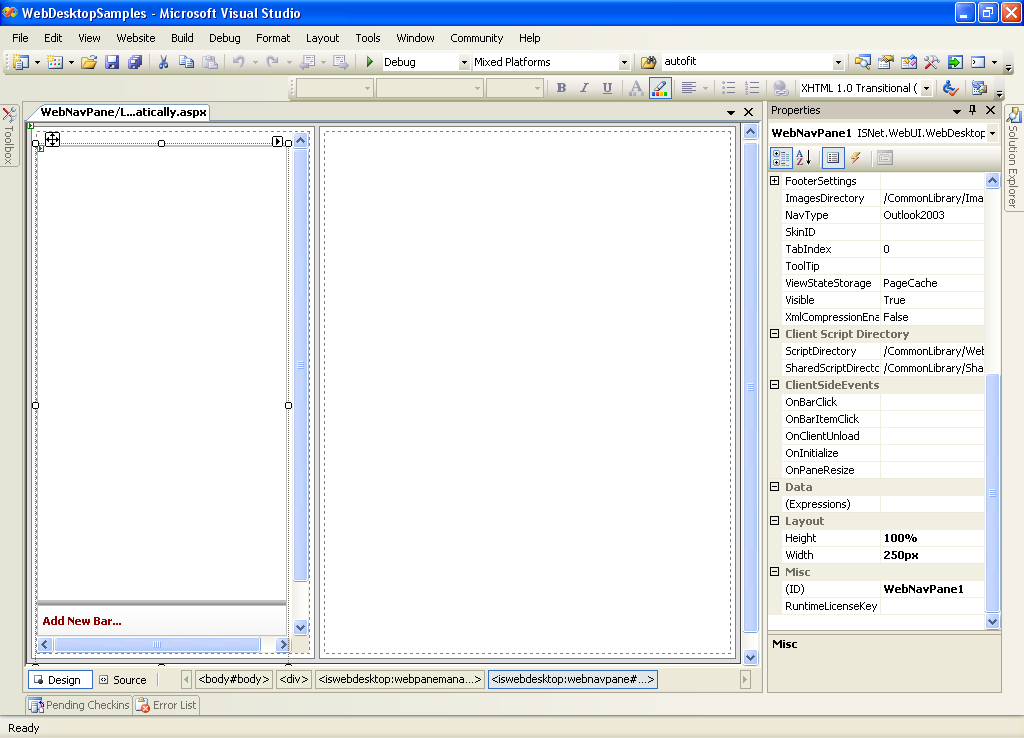
- Open View Code and Write following code at Page_Load.
C#  Copy Code
// initialize navPane
ISNet.WebUI.WebDesktop.WeNavPane navPane = (ISNet.WebUI.WebDesktop.WebNavPane)WebPaneManager1.FindControl("WebNavPane1");// initialize navBar
ISNet.WebUI.WebDesktop.WebNavBar navBar = new ISNet.WebUI.WebDesktop.WebNavBar();// initialize navBarItem
ISNet.WebUI.WebDesktop.WebNavBarItem navBarItem = new ISNet.WebUI.WebDesktop.WebNavBarItem();// configure navBarItem's settings
navBarItem.Name = "itmBarItem1";
navBarItem.Text = "Item 1";
navBarItem.Image = "~/Images/Home.gif";
navBarItem.DisplayMode = ISNet.WebUI.WebDesktop.DisplayMode.TextAndImage;// configure navBar's settings
navBar.Name = "wnbBar1";
navBar.Text = "NavBar 1";
navBar.Image = "~/Images/S_Cust-24.gif";
navBar.CaptionDisplayMode = ISNet.WebUI.WebDesktop.DisplayMode.TextAndImage;// add navBarItem to navBar Item's Collection
navBar.Items.Add(navBarItem);// add navBar to navNape Bar's Collection
navPane.Bars.Add(navBar);
 See Also
Related Tutorials
Creating Simple WebPane Layout