


Objectives
Serving its purposes WebNavPane's BarItem has the ability to open a contentURL as navigation tool.
Following are the steps to configureBarItem for Content Navigation :
- Create a WebPaneManager as shown in the picture bellow (you can see tutorial how to do it in WebPaneManager Tutorials).
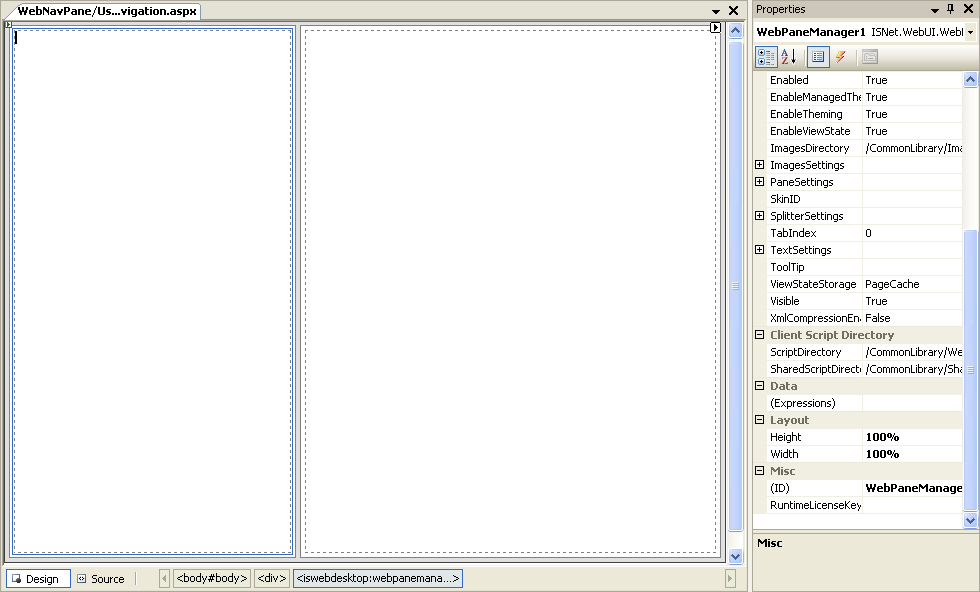
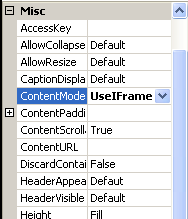
- Change the ContentMode of RightPane to IFrame.
- Drag a WebNavPane inside the Left Pane.
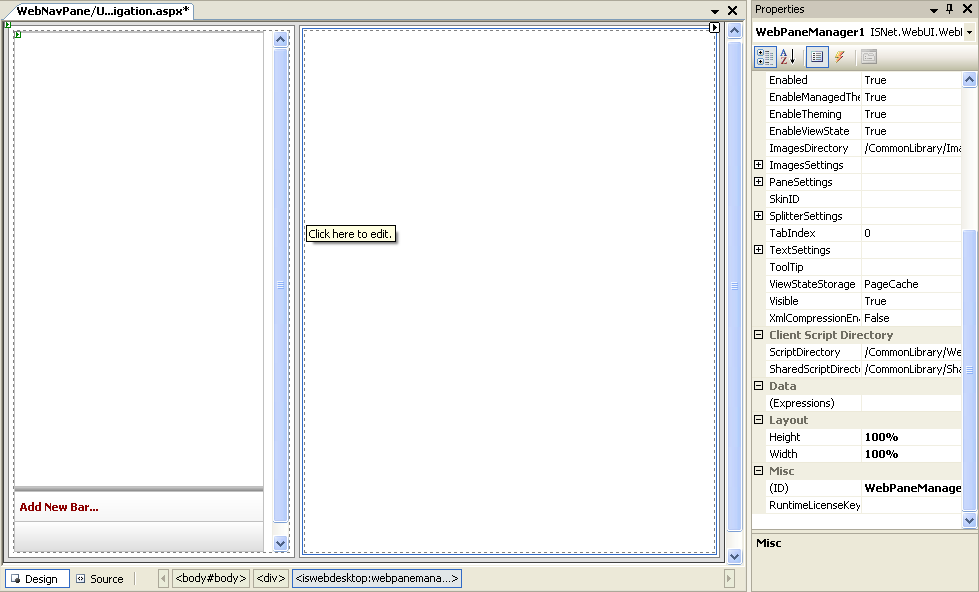
- Right click the WebNavPane - WebNavPane Designer to open WebnavPane Designer.
- Open BarItem Settings and Change Target Window to "Pane01" (Note : Pane01 is the name of RightPane).
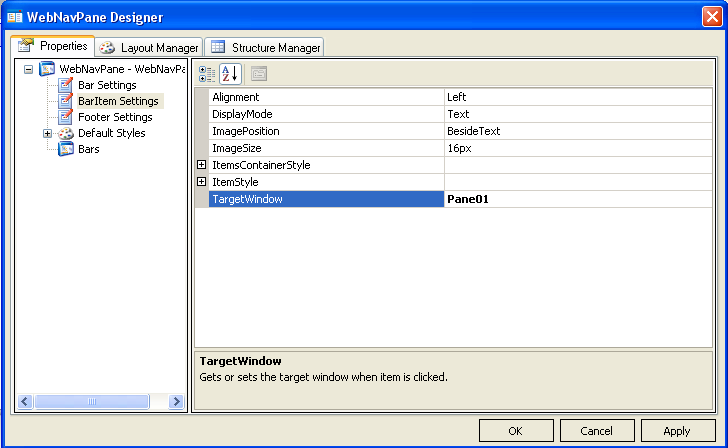
- On Bar SubCategory Add new NavBar and fill the information about the new Bar.
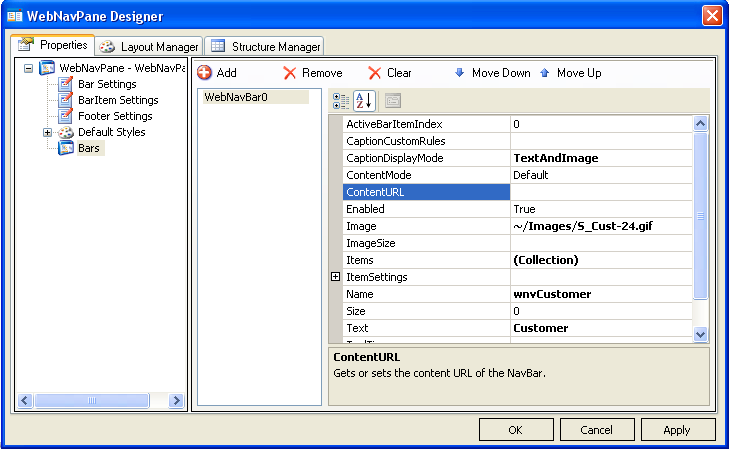
- Open NavBar BarItem's Collection and add new BarItem.
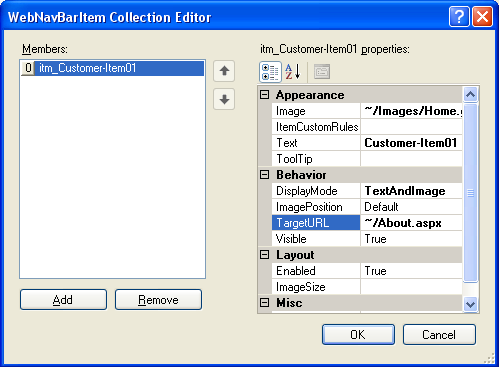
- Fill the information about the new BarItem. Make sure you configure the TargetURL (e.g "../About.aspx").
 See Also
Related Tutorials
Creating Simple WebPane Layout