


Objectives
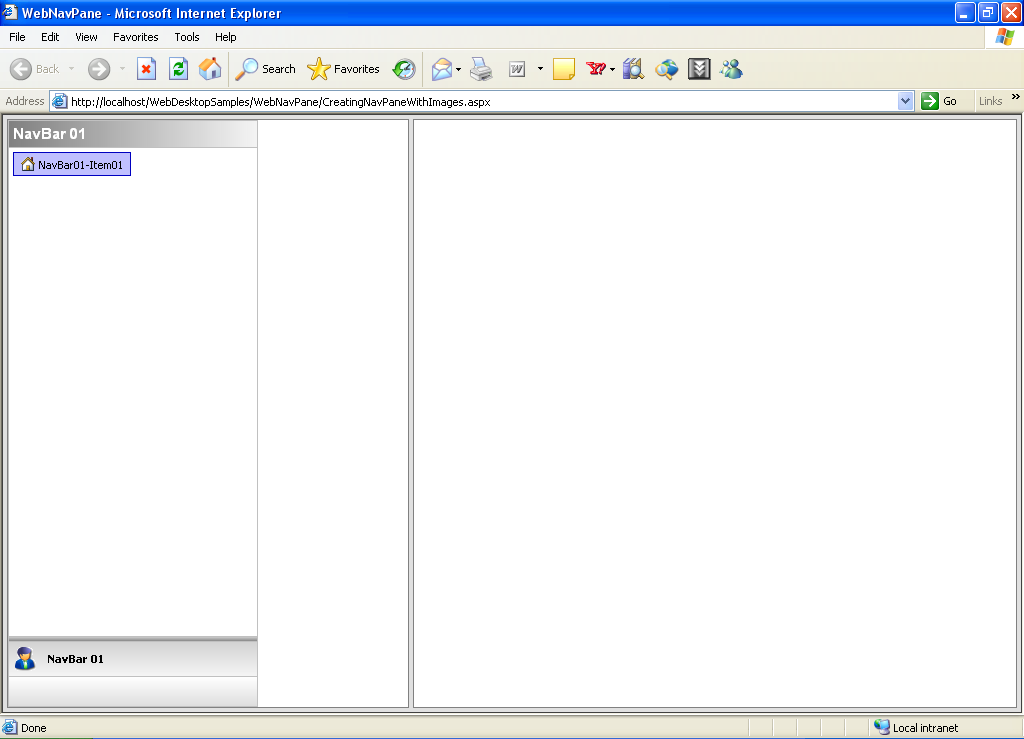
Create a simple WebNavPane that uses images for its UI Representation.
Following are the steps to create a NavPane with images:
- Create a WebPaneManager as shown in the picture bellow (you can see tutorial how to do it in WebPaneManager Tutorials).
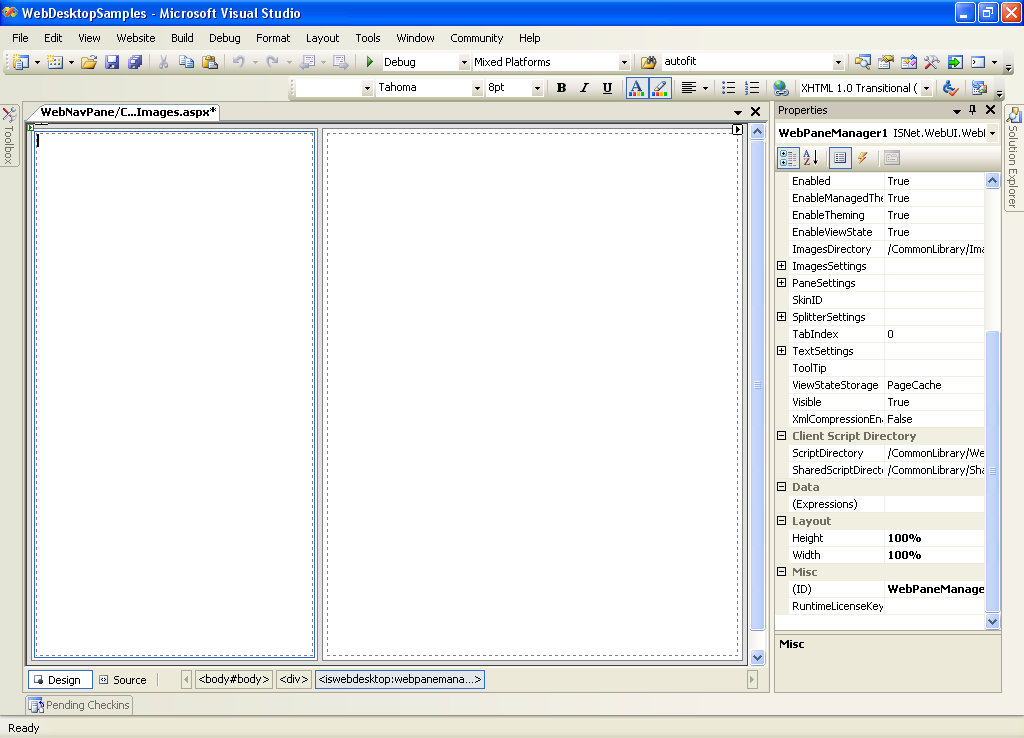
- Drag a WebNavPane inside the Left Pane .
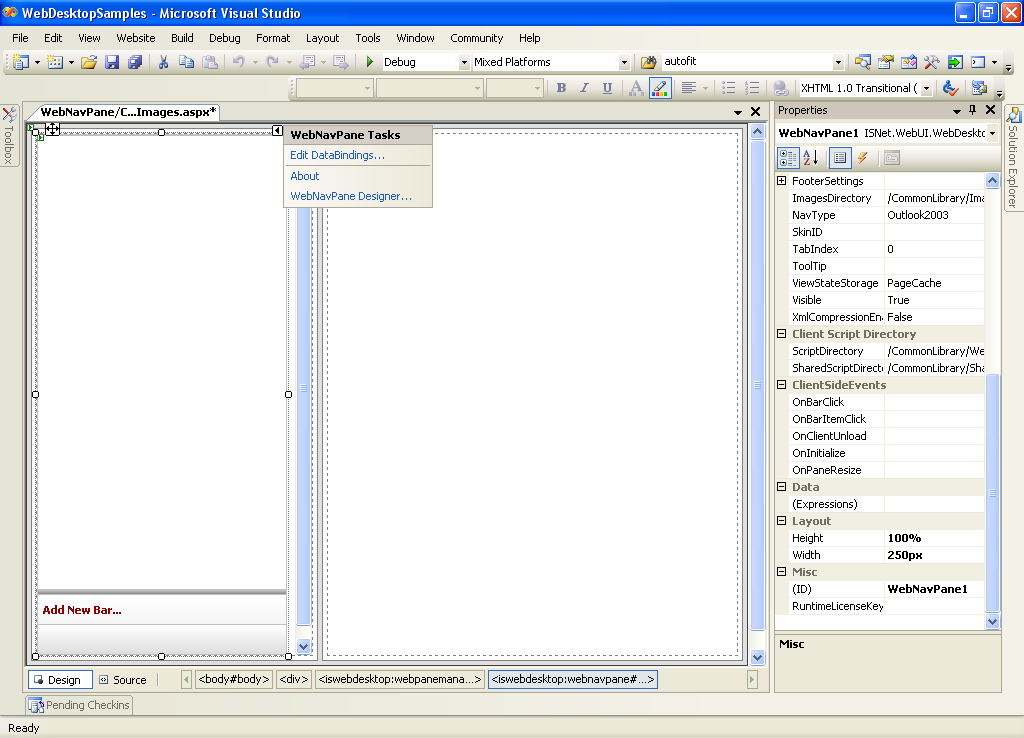
- Right click the WebNavPane - WebNavPane Designer to open WebnavPane Designer.
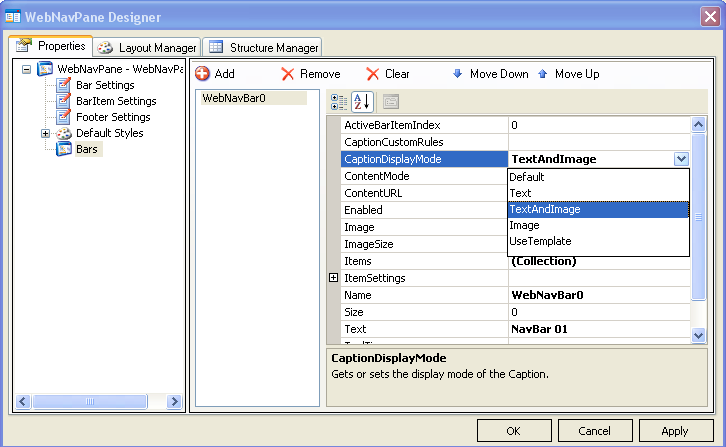
- On Bar SubCategory Add new NavBar and fill the information about the new Bar. Make sure you fill Image property with image URL and change the
CaptionDisplayMode to TextAndImage or Image.
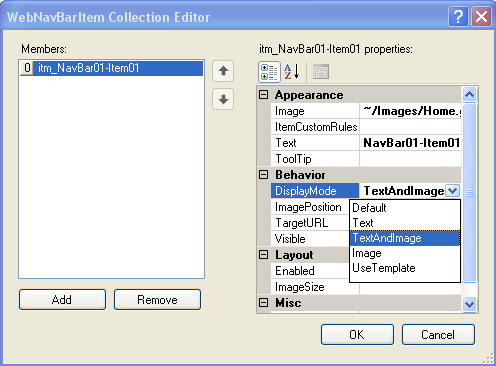
- To apply Image to BarItem simply do same thing by fill Image Property with image URL and change the DisplayMode to TextAndImage or Image.
- Apply all the changes, and run the page. You should got something like this.
 See Also
Related Tutorials
Creating Simple WebPane Layout