Objectives
This tutorial will show how to call a WebDialogBox instance, which you have designed using the previous tutorials, at client side using
Javascript.
Following are the steps to call a WebDialogBox instance :
- See Creating Simple DialogBox to create a simple WebDialogBox.
- Drag a HTML Button to the WebForm (You can use other control to trigger the client side event)
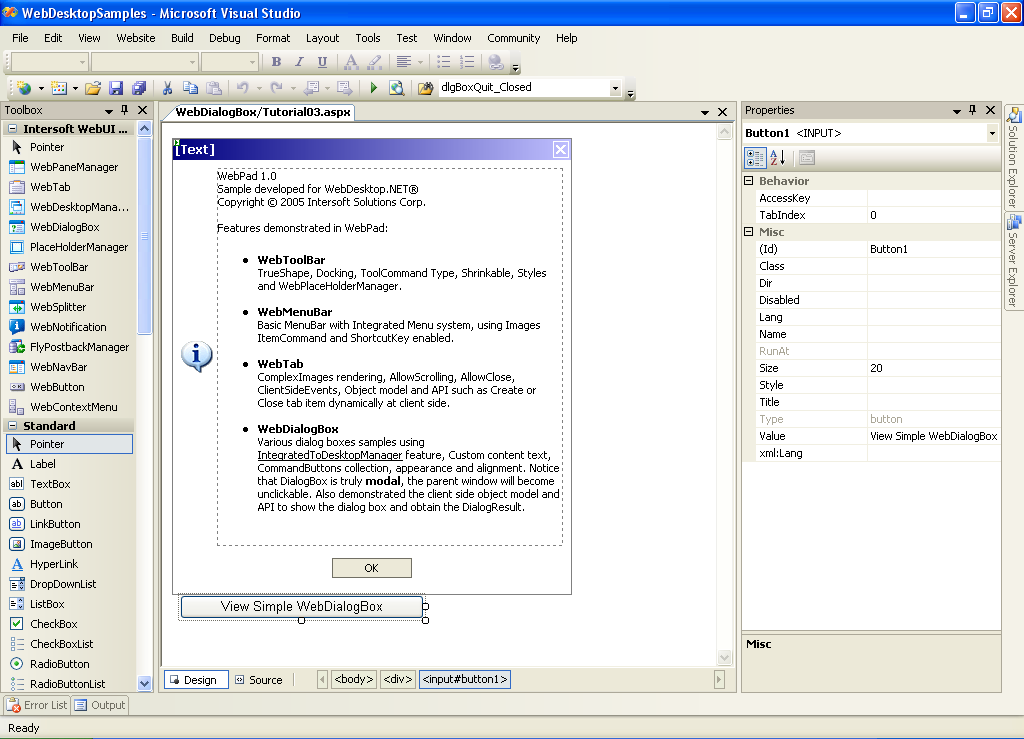
- Create a javascript function and attached it to the button's onclick event.
Script  Copy Code
<script language="javascript">
function viewWDBAbout()
{
var dlgBoxAbout = ISGetObject("WebDialogBox1");
dlgBoxAbout.ShowDialog();
}
</script>
<input id="Button1" type="button" value="View Simple WebDialogBox" onclick="viewWDBAbout()"/>
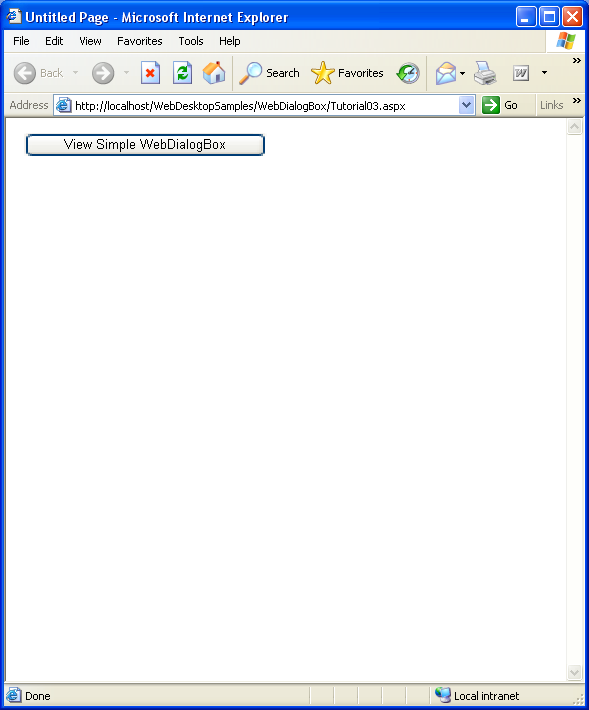
- In your browser, you will get something like this.
 |
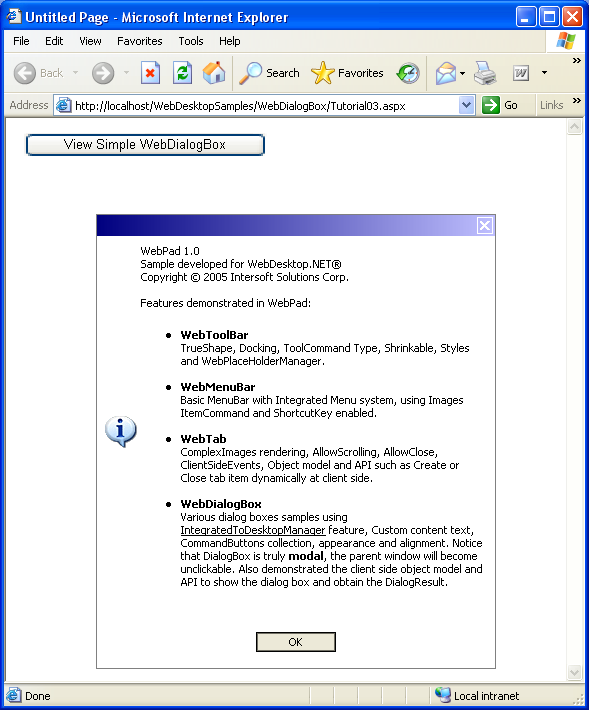
When the WebDialogBox is showed, you can not click the controls behind it, as an implementation of a true Desktop DialogBox behavior). |
|
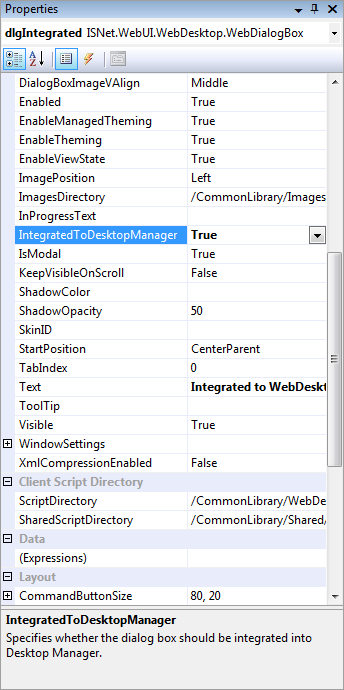
In integrated mode with WebDesktop, we need to specify the IntegratedToDesktop Property to true |