Objectives
When a WebDialogBox contains a WebDialogBox's button of certain type, it will have a DialogResult when this button is clicked. This tutorial will show how
to retrieve the active DialogResult of WebDialogBox's button.
The following are the steps to retrieve the DialogResult of WebDialogBox at client side:
- See Designing custom DialogBox tutorial to create a custom DialogBox
- Drag a HTML Button to the WebForm (You can use other control to trigger the client side event)
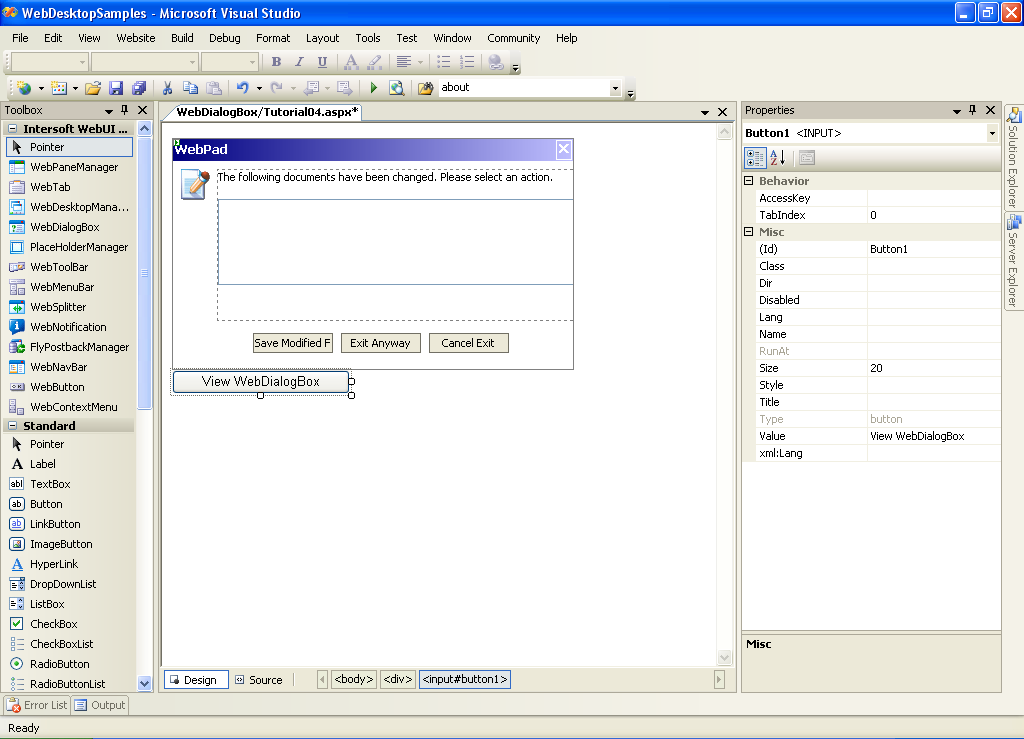
- Create a javascript function and attached it to the button's onclick event.
Script  Copy Code
function viewDialogBox()
{
var dlgBox = ISGetObject("WebDialogBox1");
dlgBox.ShowDialog();
}
- Create OnClosed Client Side Event in WebDialogBox's instance.

And add the following code in javascript:
Script Copy Codefunction dlgBoxQuit_Closed(controlId, dialogResult)
{
// get active Window Object when integrated with WebDesktop
// var win = ISGetCurrentWindow();
if (dialogResult == "Yes")
{
// ForceClose of current Window Object when integrated with WebDesktop
// win.ForceClosed = true;
alert("Do Save Logic");
}
else if (dialogResult == "No")
{
// ForceClose of current Window Object when integrated with WebDesktop
// win.ForceClosed = true;
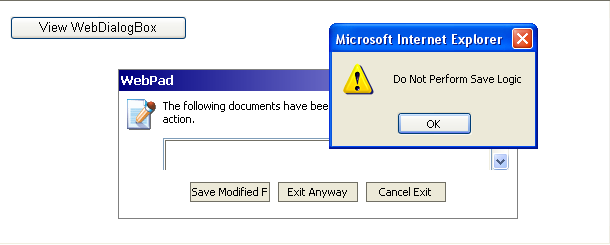
alert("Do Not Perform Save Logic");
}
else
{
alert("Cancel");
// cancel, nothing to do
return;
}
// really close current Window Object when integrated with WebDesktop
//win.Close();
}
- In the browser, you will get something like this.

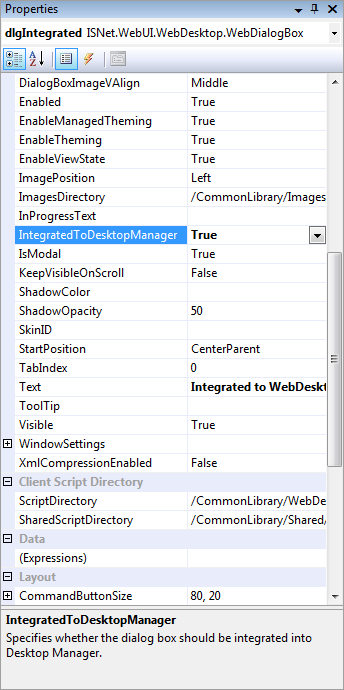
In integrated mode with WebDesktop, we need to specify the IntegratedToDesktop Property to true