


Objectives
This tutorial provides you step-by-step guidance to configure window to use complex image.
- Drag WebDesktopManager control to the WebForm. Named the control as WebDesktopManager1.
- Click AddWindow at the top right of WebDesktop to add a new WebDesktopWindow to WebDesktopManager1.
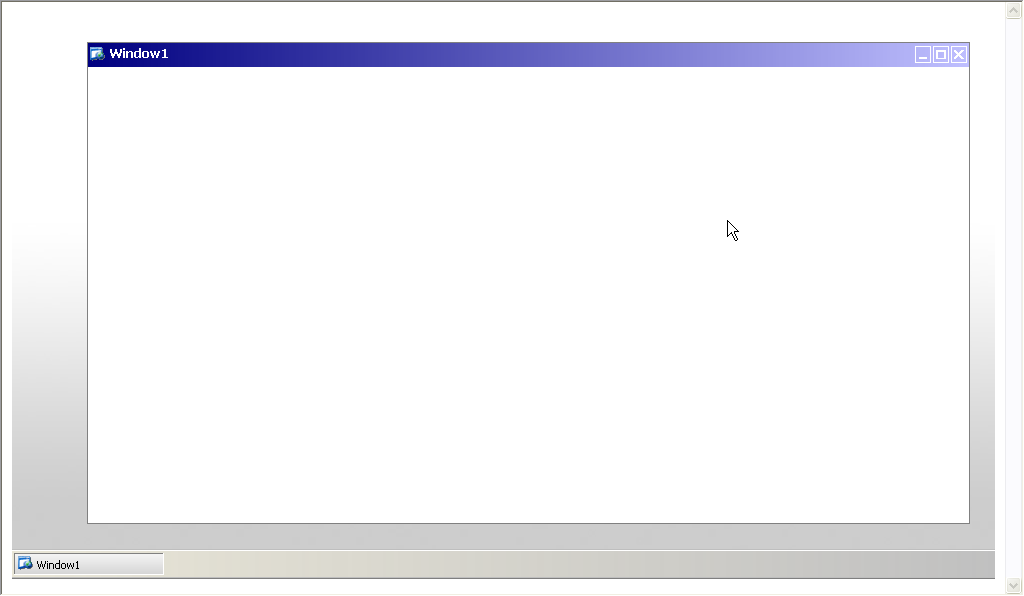
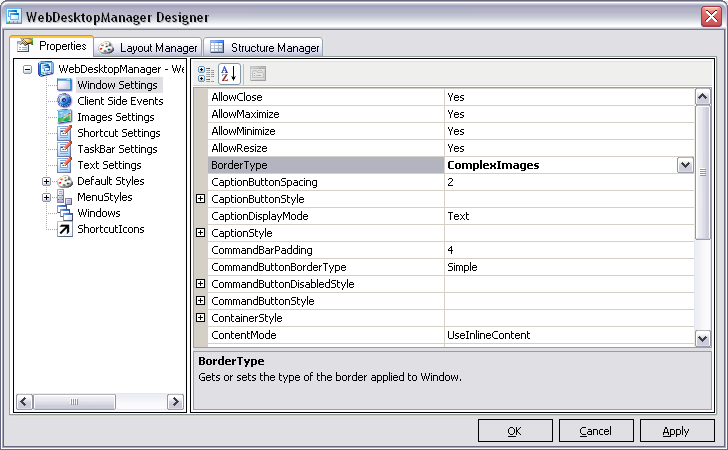
- In WebDesktopManager Designer, choose Window Settings, and set the BorderType property to ComplexImages.
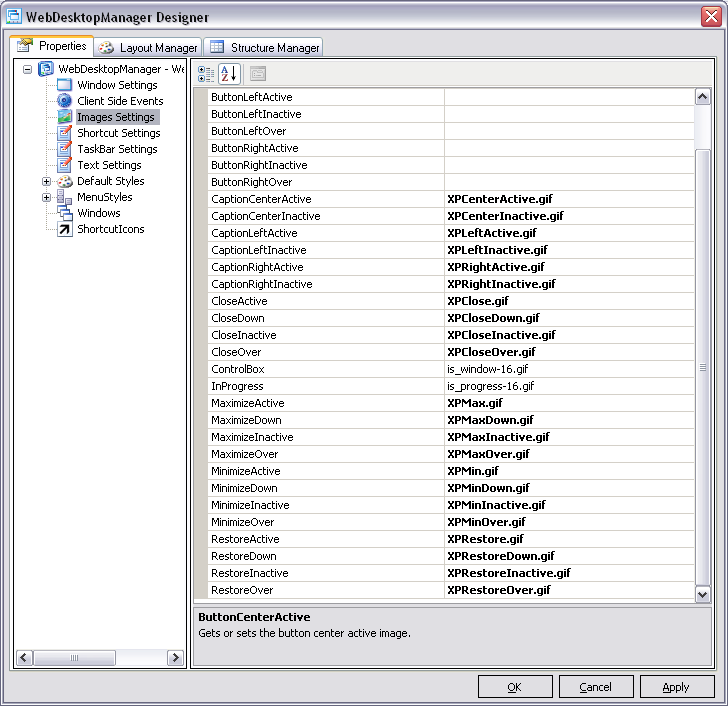
- Choose Images Settings and set the images file name for the following properties.
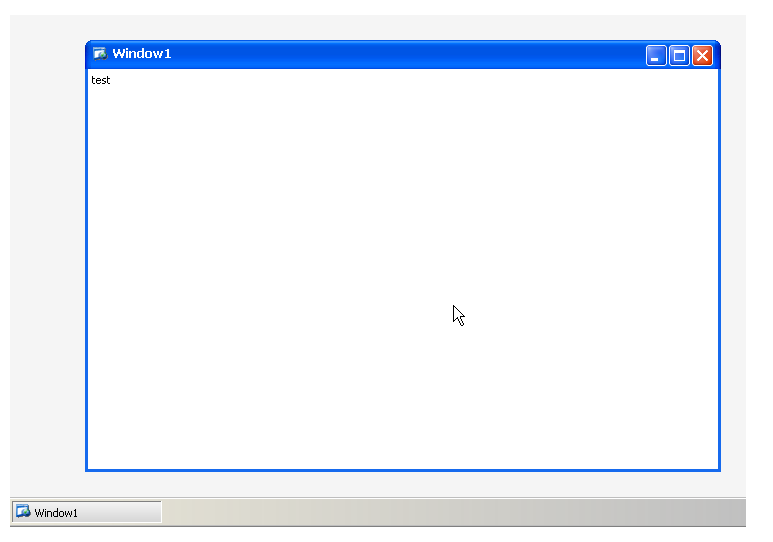
- Compile and run the application.
 See Also
Related Articles
{Creating Simple Desktop}