


Objectives
WebDesktopManager offers great flexibility architecture which allows you to customize numerous window configurations at individual Window level such as the location of the window. This tutorial will guide you to customize the location of an individual window.
- Drag WebDesktopManager into a WebForm.
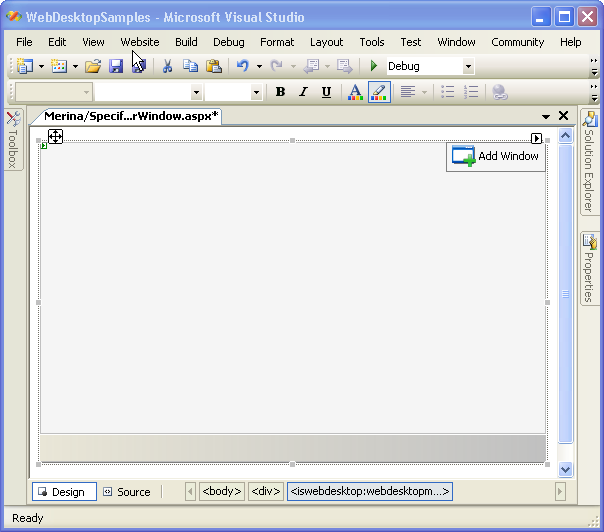
- Add a window into WebDesktopManager using AddWindow button on the right-upper side, and named it Window1.
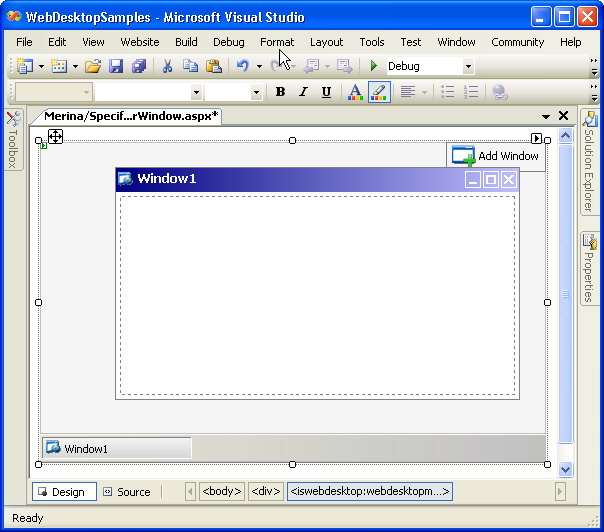
- Right click on the WebDesktopManager's instance and click WebDesktopManager Designer to display the Designer Window.
- Click on the Properties - Windows and select "Window1". Set the Location to
150,150 or any other location that you want.
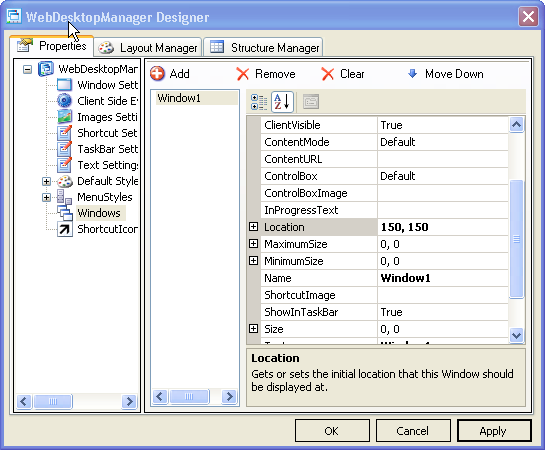
- Click on Apply button on bottom right corner of the designer, and then click OK to apply all the changes.
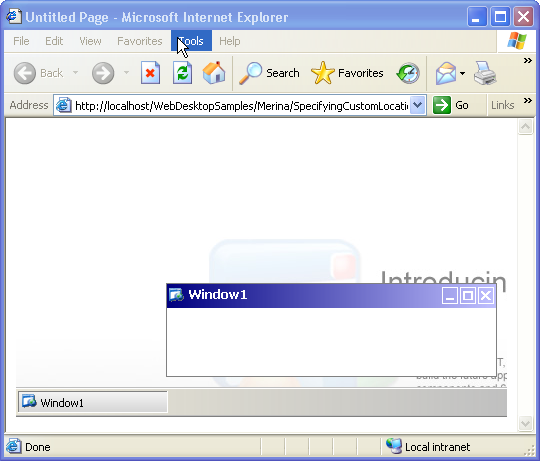
- Save all the changes and run the WebForm.
- Finally, you will see something like the following.
 See Also
Related Articles
{Creating Simple Desktop}