


Objectives
This tutorial provides you a step-by-step guidance to obtain desktop structure at client side.
- Drag WebDesktopManager control to the WebForm. Named the control as WebDesktopManager1.
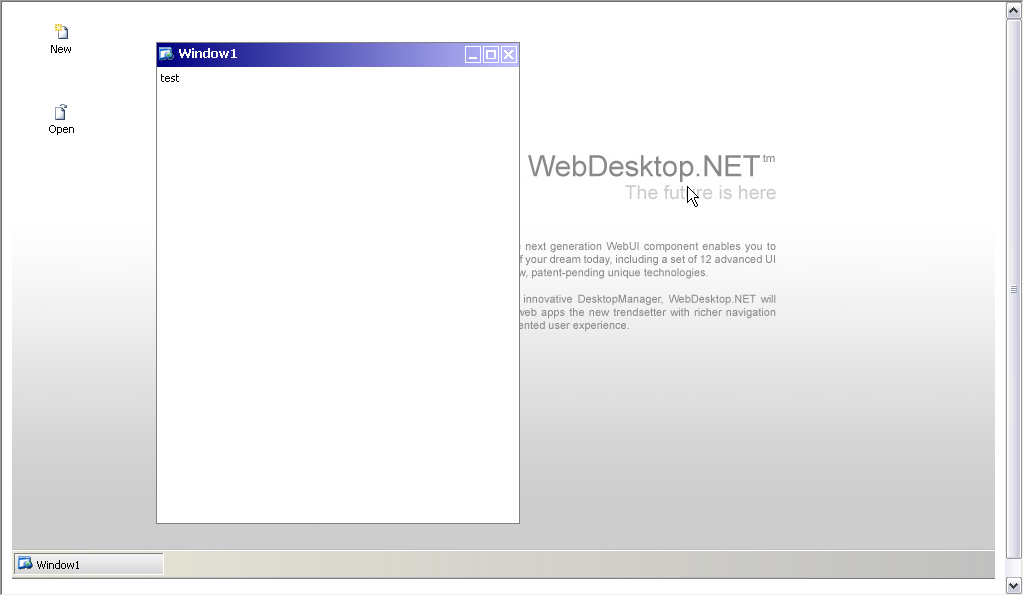
- Add some WebDesktopWindow, WebDesktopShortcut to WebDesktopManager1. In this example: one WebDekstopWindow and two WebDesktopShortcut are added to WebDesktopManager1.
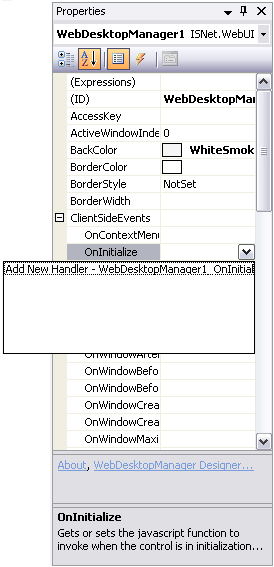
- In Properties window, add a handler for OnInitialize client side events.
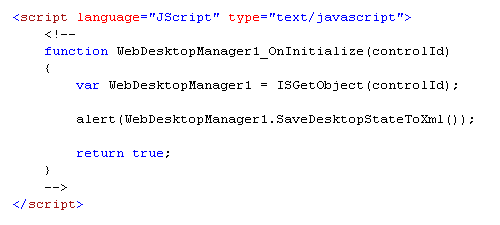
- To obtain the WebDesktopManager structure, you can use SaveDesktopStateToXml function. You can put this command in WebDesktopManager1_OnIntialize client side function that is just created.
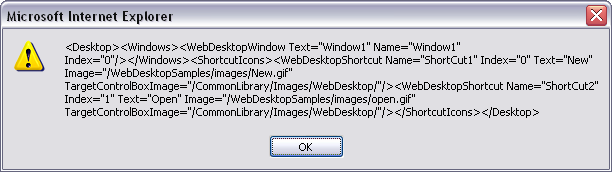
- Compile and run the application.
 See Also
Related Articles
{Creating Simple Desktop}