


Objectives
Hiding a window at initial load using WebDesktopManager Designer. It enables you to freely set the WindowState to be normal, minimized or maximized.
- Drag WebDesktopManager from Toolbox into a WebForm page.
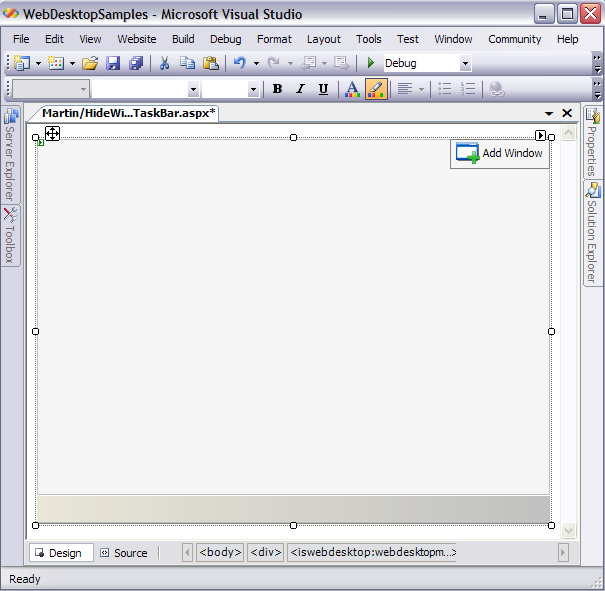
- Add 3 Windows using AddWindow button on the right-upper side and named it Window1, Window2
and Window3 respectively.
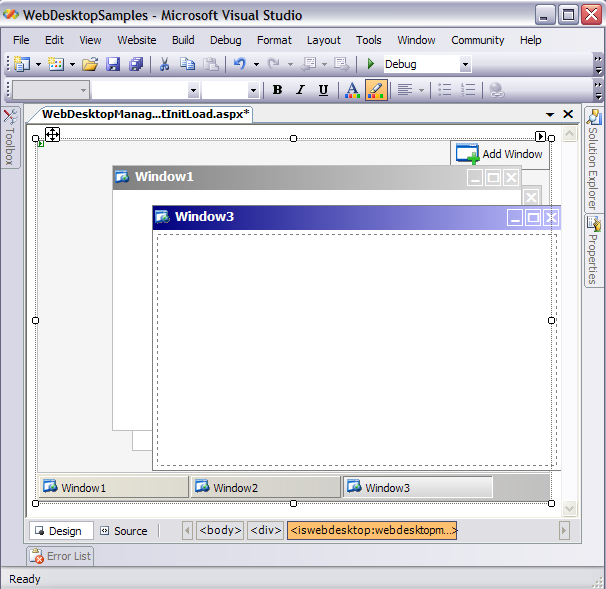
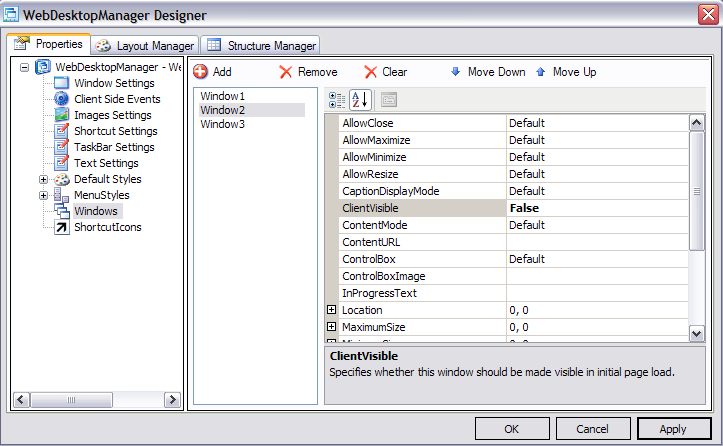
- Right click on WebDesktopManager's instance, and select WebDesktopManager Designer.
- Click on Windows, and choose one of the added Windows which is Window2.
- Set the ClientVisible to False.
- Click OK to take affect of the setting.
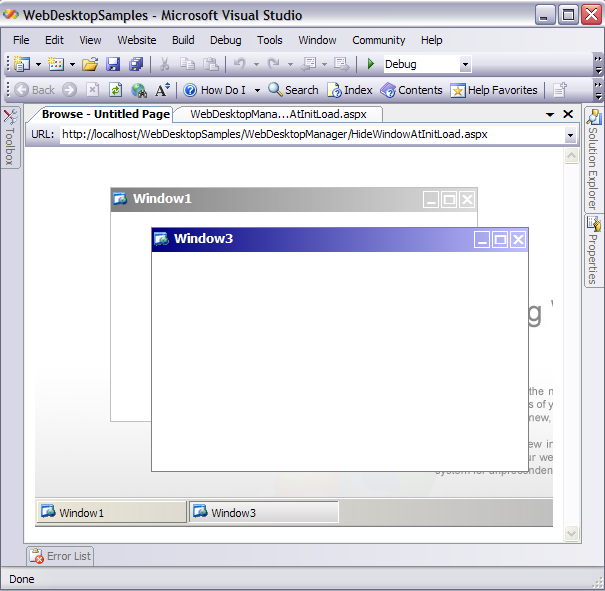
- Run the Project and you should see something like the following.
 See Also
Related Articles
{Creating Simple Desktop}