


WebDesktopManager has capability to enable shortcut.
This topic will show you how to create a simple Shortcut Icons using WebDesktopManager Designer.
To enable ShortcutIcons feature
- Drag WebDesktopManager from Toolbox into a WebForm page.
- Right click on WebDesktopManager control and choose WebDesktopManager Designer.
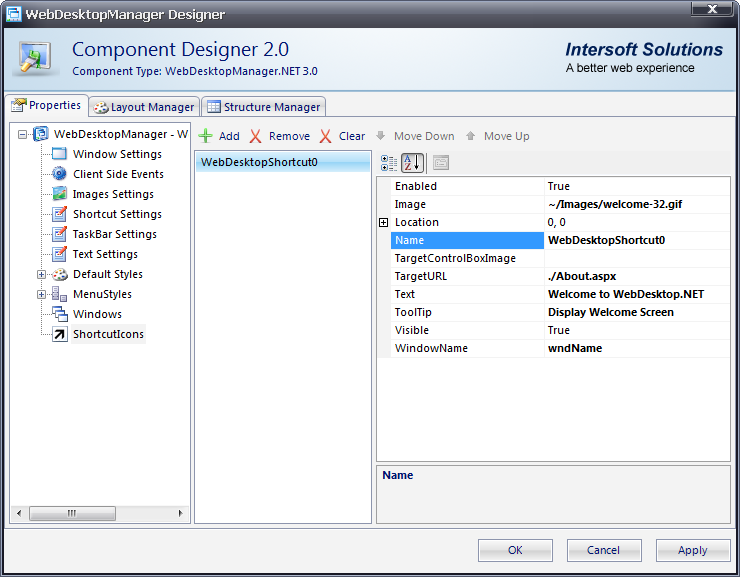
- Click on ShortcutIcons, and add a Shortcut.
- Customize the added Shortcut like the following snapshot.
- Set the ShortcutIconsVisible to True.
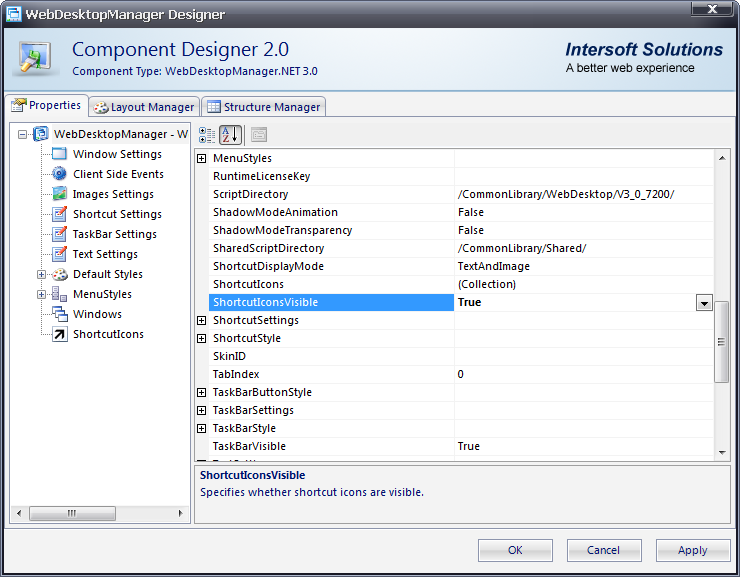
- Click OK to take affect of the setting.
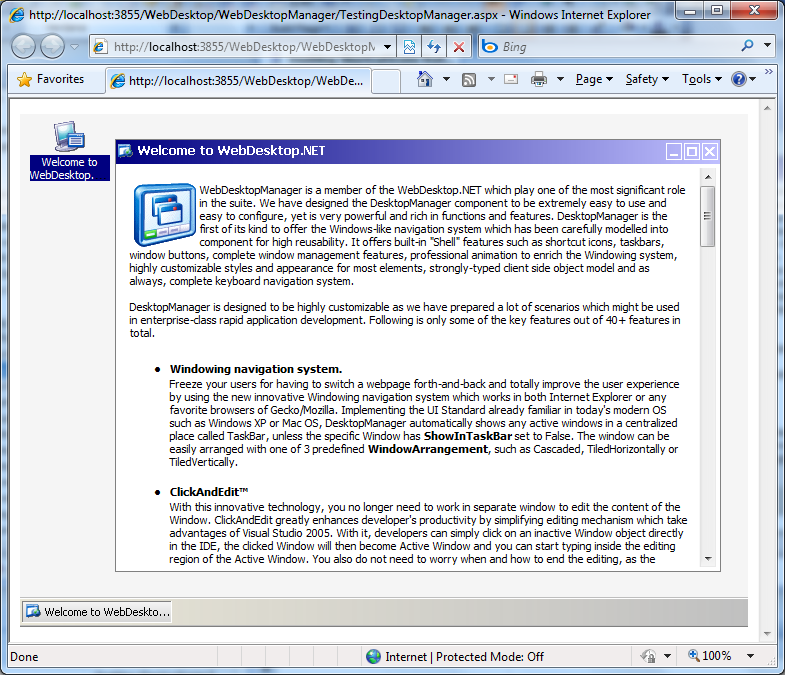
- Run the Project and you should see something like the following.
 See Also
Related Articles
{Creating Simple Desktop}