


Objective
WebTab which expresses the true desktop's behaviors, gives you an accessibility of enabling the focus border from the keyboard. This tutorial will guide you how enable the feature.
- Create a new WebTab's instance, and add few more TabItem objects by clicking "Add New Tab".
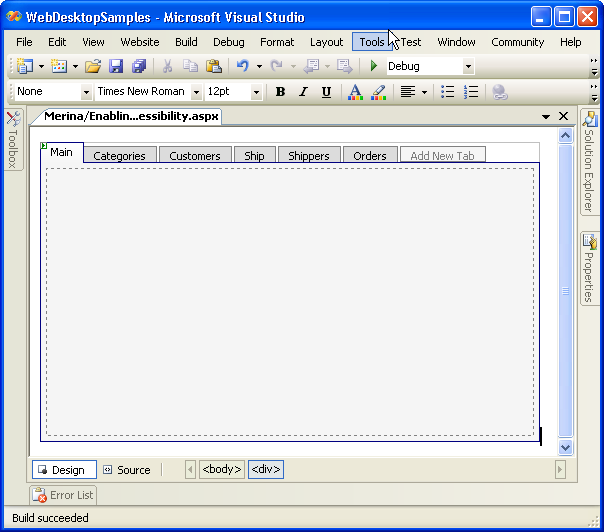
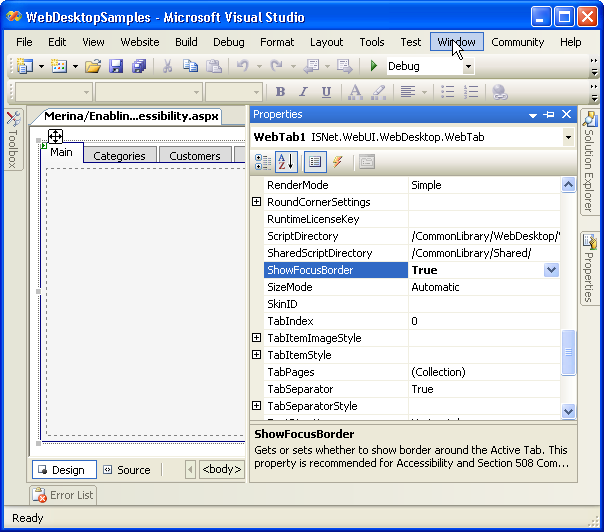
- To enable the focus border, right click on the WebTab object, and choose Properties to display Properties window. Choose "ShowFocusBorder" from the
property window and set it to "True".
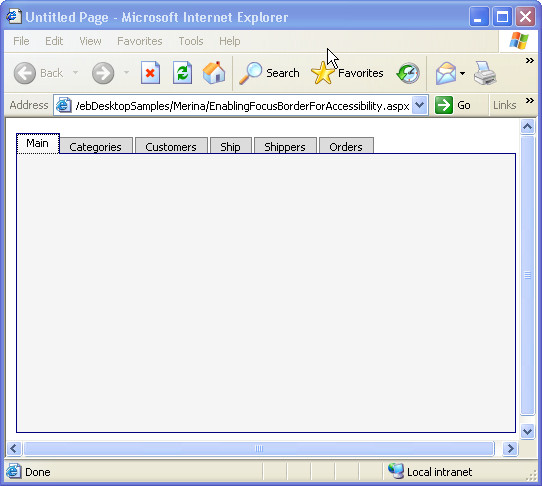
- Save all the changes, and run it on the browser. In the browser, it will be something like the following. To activate the tab border, click on "Tab"
key on the keyboard. To navigate between the TabItem, press the "Tab" key from the keyboard. To activate the TabItem's page of the focused tab item,
press "Enter" or "Space" Key.
 See Also
Related Tutorials
{Creating Simple Tab}