


Objective
WebTab offers you a selection in arranging the layout of the WebTab to use either "Default", "Automatic", "Fixed" or "Justify". This tutorial will guide you how to use set the sizing mode into "Justify".
- Create a new WebTab's instance, and add few more TabItem objects by clicking "Add New Tab".
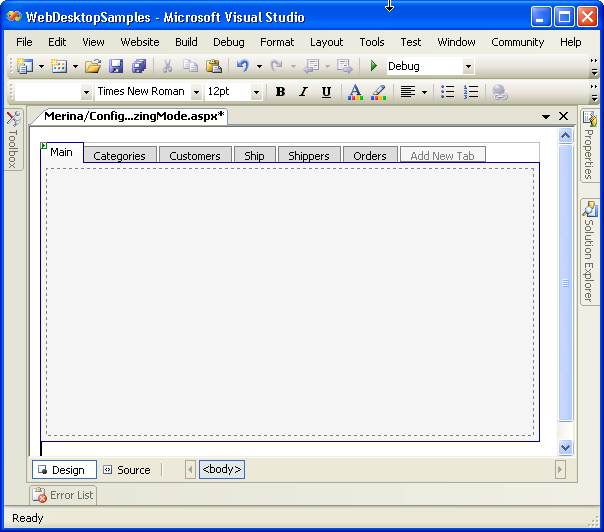
- Right Click on the WebTab's instance, click on WebTab Designer, set the SizeMode property to "Justify".
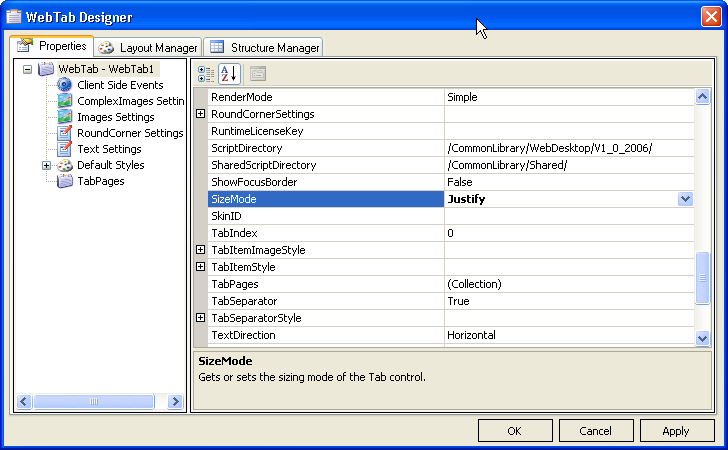
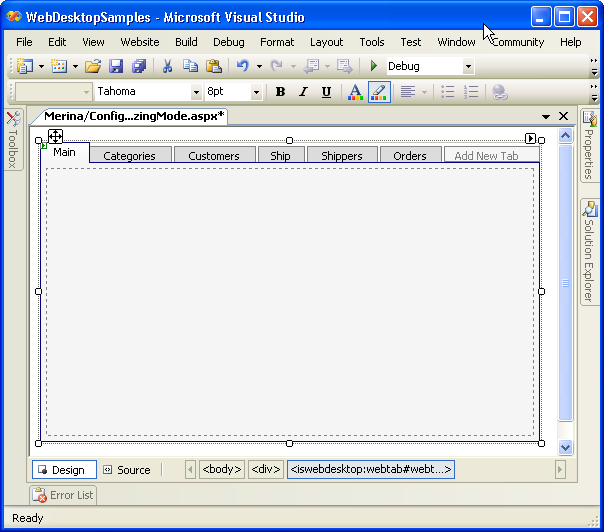
- Finally, click on "Apply", and then "Ok". In the designer, you will see that the size of your WebTabItem has already changed, it is already being
justified to match the size of the WebTab.
 See Also
Related Tutorials
{Creating Simple Tab}