


Objectives
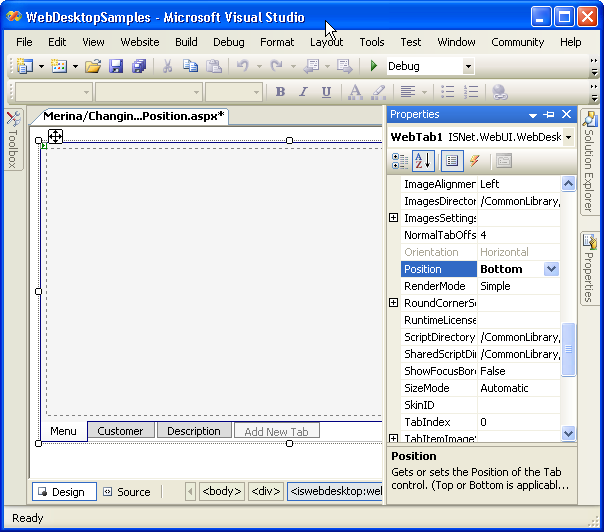
WebTab lets you choose the tab position. You can choose to put the tab at the top position or in bottom position. By default, the property is set to "Top".
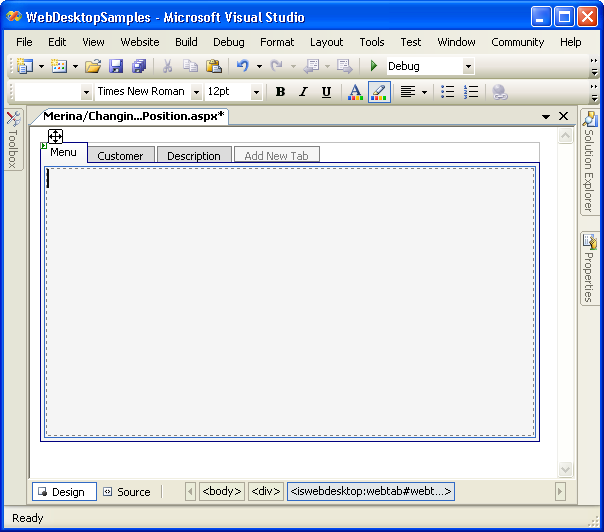
- Drag WebTab into a WebForm to create a new WebTab's instance. Create another few TabItem objects by using "Add
Tab Pages".
- To change the position of the Tab, right click on the WebTab object, and choose Properties to display Properties window. Choose "Position" from the
property window.
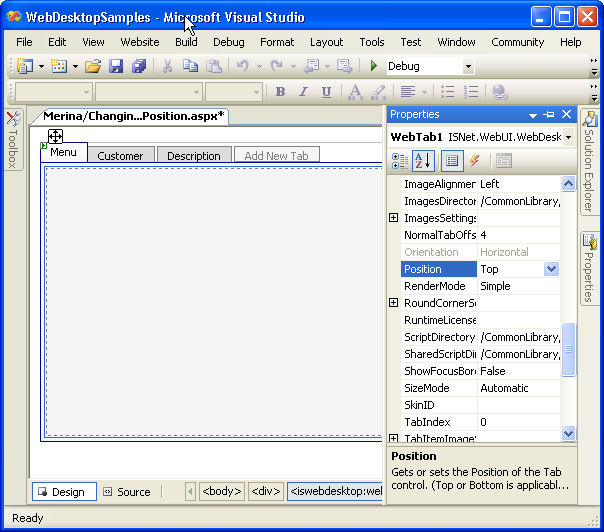
- Change the Position Property from "Top" to "Bottom".
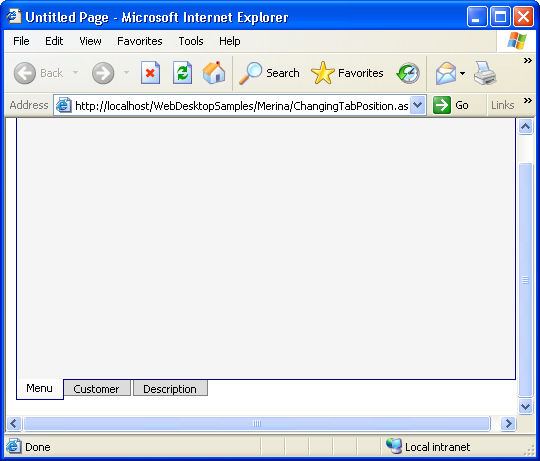
- Save all the changes, build the program and run it.
- WebTab will look like following:
 See Also
Related Tutorials
{Creating Simple Tab}