


Objective
WebTab, with its flexible architecture, allows you to change the TabItem's caption either from server side or client side. This tutorial will guide you to change the TabItem's caption at client side.
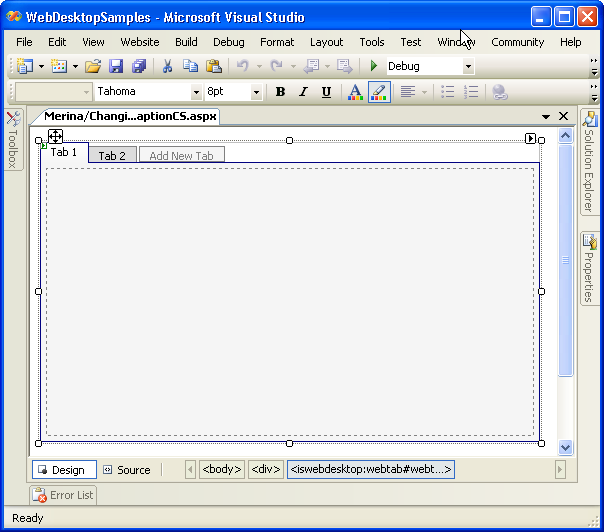
- Create a new WebTab's instance, and add few more TabItem objects by clicking "Add New Tab".
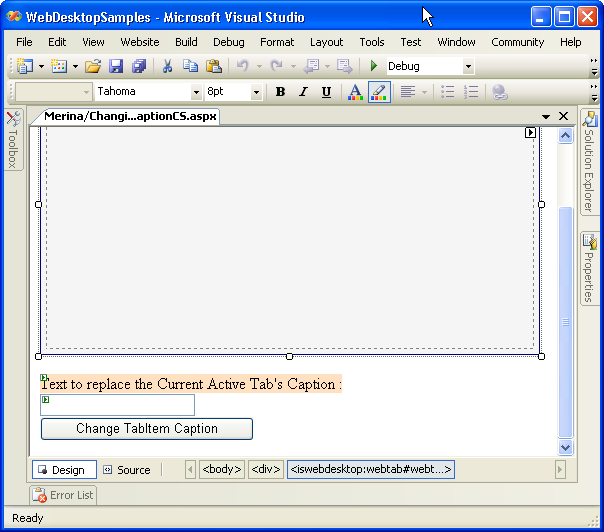
- Drag a TextBox object, and a button object to the WebForm.
- Switch to the HTML Source of the page. Add the following code to change the tab item caption at client side.
Script  Copy Code
<script language="javascript" type="text/javascript"> function ActionPerformed() { var WebTab = ISGetObject("WebTab1"); var textBox = document.getElementById("TextBox1").value; var activeTab = WebTab.GetActiveTab(); activeTab.SetCaption(textBox); } </script>
- Add an onclick event on the button.
C# Copy Code<input id="Button1" type="button" value="Change TabItem Caption" onclick="ActionPerformed()" />
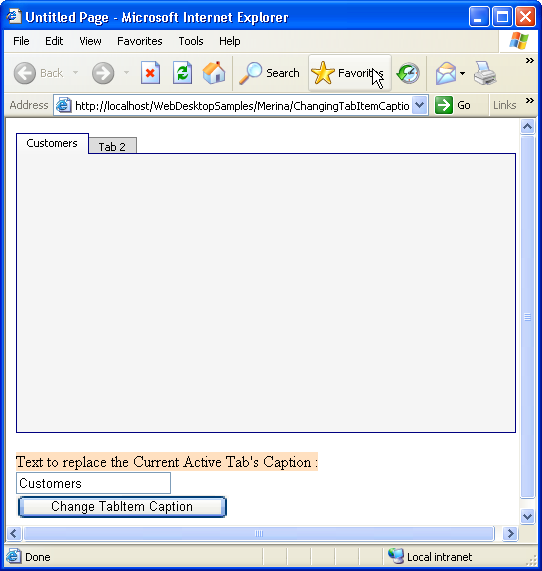
- Save all the changes, build and run it on the browser. Try to input something inside the textbox, and click the button, and you will see the text you
have just inputted into the textbox has replaced the current active tab's caption.
 See Also
Related Tutorials
{Creating Simple Tab}