


Objectives
WebTab enables you to add a new TabItem not only at the designer or at the server side, but also at Client Side. This tutorial will guide you to create a new TabItem at ClientSide.
- Drag WebTab into a WebForm to create a new WebTab's instance.
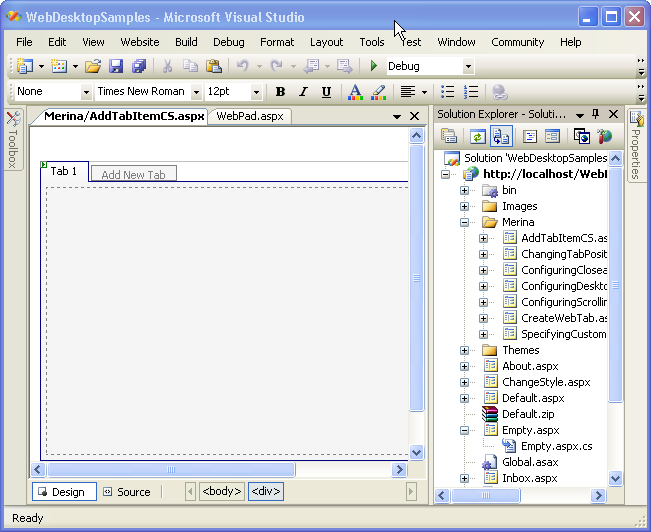
- Add a button into the WebForm.
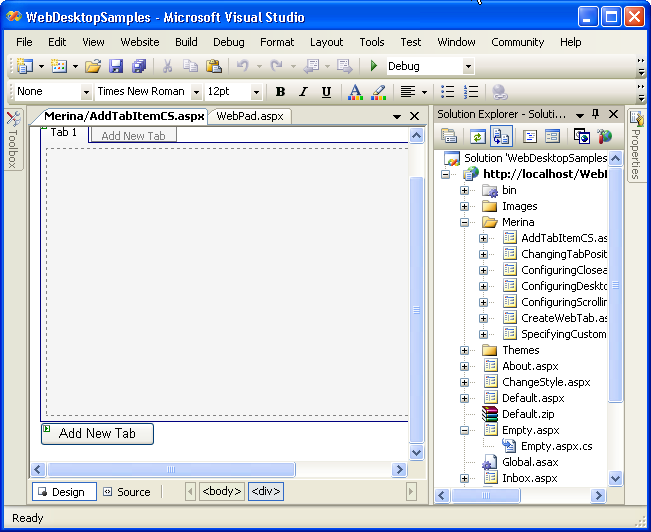
- Add an OnClick client side events to the button to relate it to the AddNewTab function.
Script  Copy Code
<input id="Button1" type="button" value="Add New Tab" onclick="AddNewTab()" />
- Add a AddNewTab function to the WebForm.
Script Copy Code<script language="javascript"> var tabNewIndex = 1; function AddNewTab() { var tab = ISGetObject("WebTab1"); var newItem = tab.AddNewTabItem("Untitled" + tabNewIndex, "Untitled " + tabNewIndex, null); newItem.SetActive(); // set the newly created tab item as active. tabNewIndex++; } </script>
- Add a AddNewTab function to the WebForm.
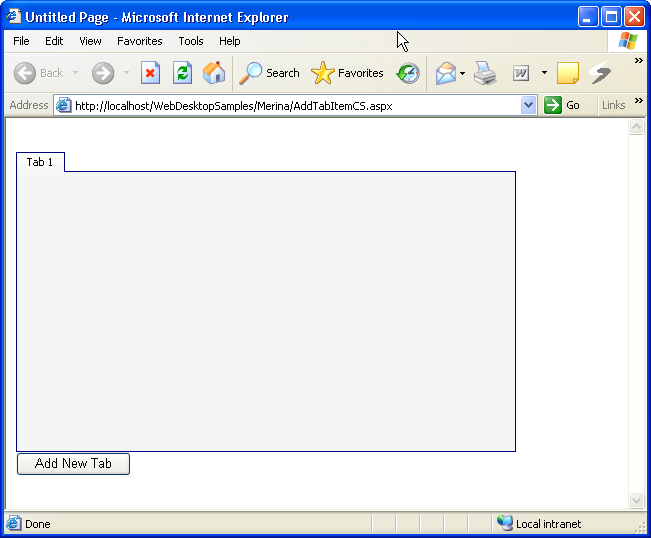
- Save all the changes and build the project. When you run it in the browser you will see something like the following.
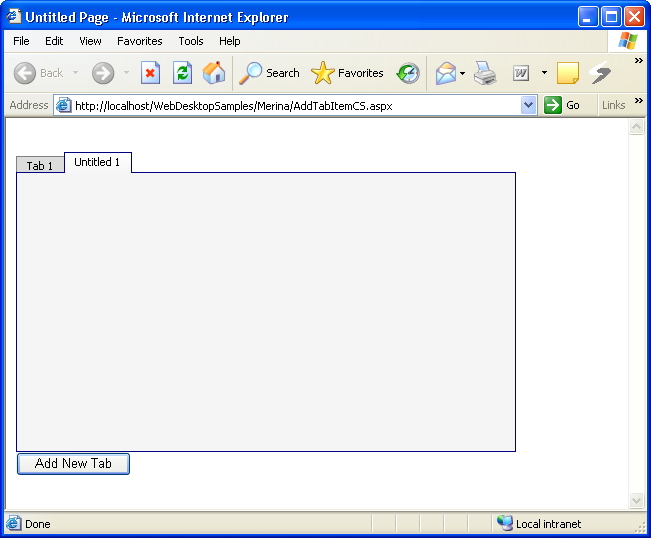
- If you click on the "Add New Tab" button, it will add a new TabItem that is processed at client side. The result would be something like this.
 See Also
Related Tutorials
{Creating Simple Tab}