


Objectives
WebTab gives you an option whether the WebTab control should have a scroll button when the number of TabItem exceeds the controls' width. By default, the scroll button is not visible. This tutorial will guide you on how to configure the scrolling tab mode.
- Drag WebTab into a WebForm to create a new WebTab's instance.
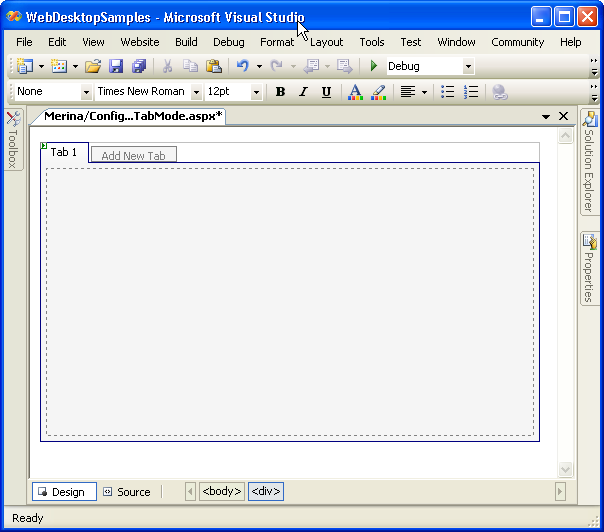
- Create few more TabItem objects "Add New Tab", until the number of TabItem exceeds the controls' width.
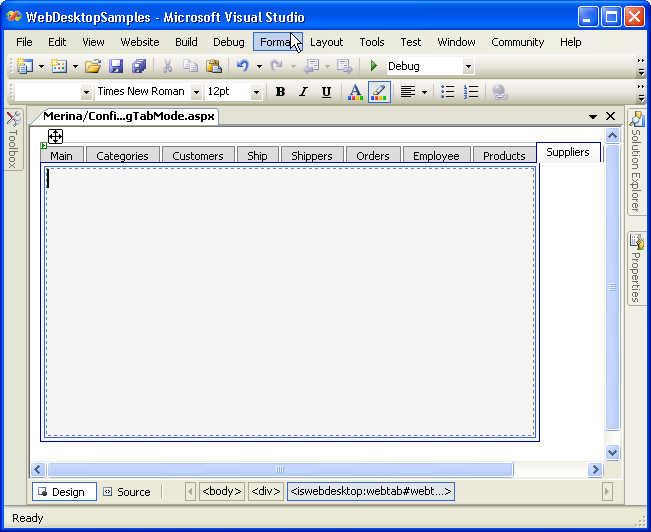
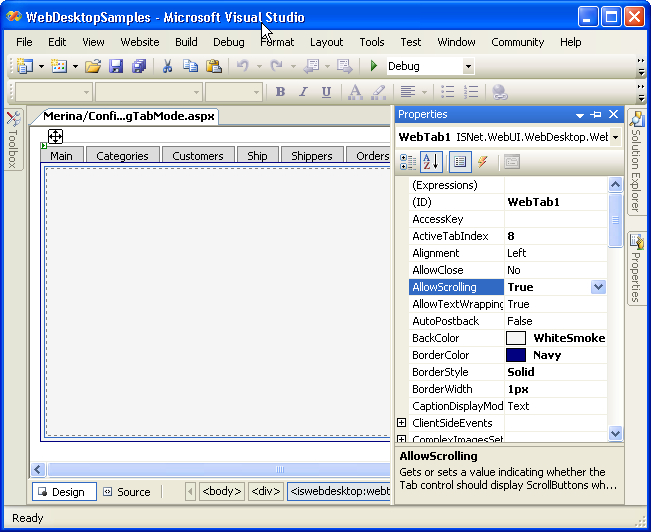
- To make the scrolling button visible, right click on the WebTab object, and choose Properties to display Properties window. Choose "AllowScrolling"
from the property window and set it to "True".
- Save all the changes, build the program, and run it. In the browser, you should see something like following.
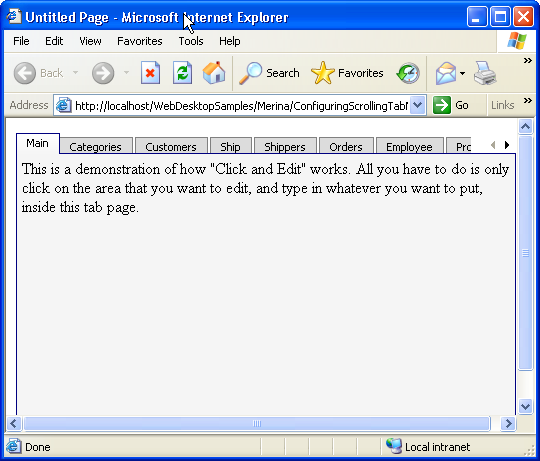
picture 1: When we have reached the left end of the WebTab, and we still have items on the right that are not visible because they exceed the controls' width.
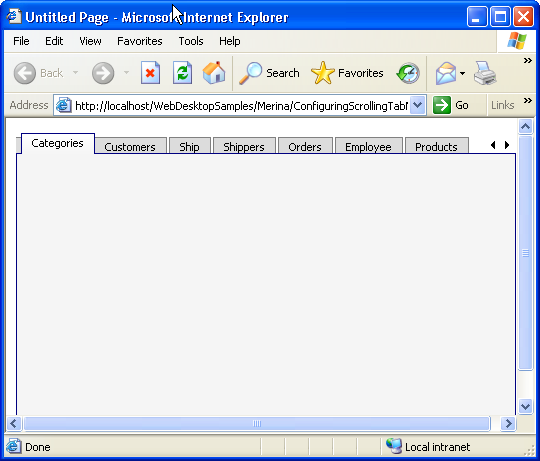
picture 2: When there are items on the left and on the right that are not visible because it exceeds the controls' width.
 See Also
Related Tutorials
{Creating Simple Tab}