


Objectives
This tutorials provides you step-by-step guidance to use Image for WebToolBar appearance.
- Drag WebToolBar from ToolBox into WebForm. Set the ID of the WebToolBar as WebToolBar1.
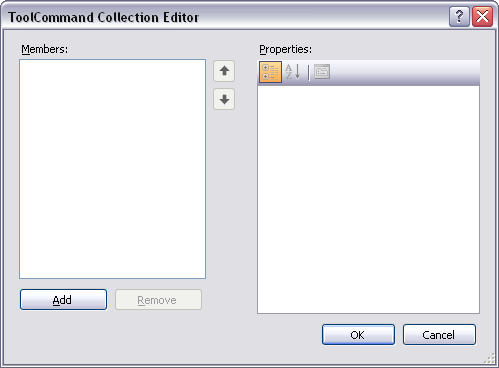
- In the Properties window, click in Commands property. ToolCommand Collection Editor will be displayed.
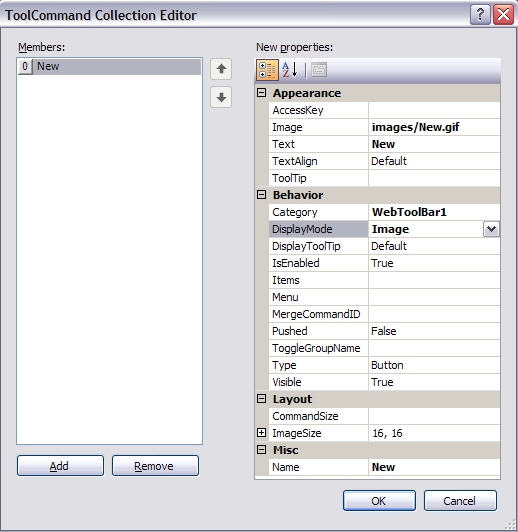
- Click Add. A new ToolCommand will be added to the editor. Set these properties below.
Properties Value Image images/New.gif DisplayMode Image Name (optional) New
- Compile and run the application.
