


WebToolBar has various styles that can be customized from its quick designer.
This topic will show you how to change the styles of WebToolBar.
To change ToolBar styles
- Drag WebToolBar from ToolBox into WebForm.
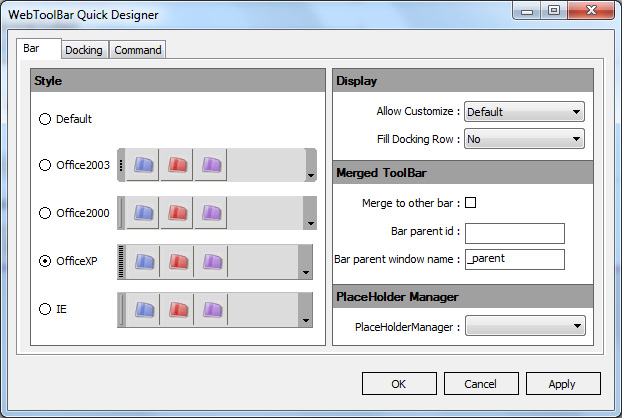
- Right click on WebToolBar control and choose WebToolBar Quick Designer. The WebToolBar Quick Designer dialog box will be displayed. In the Bar tab, choose OfficeXP as the Style. Press Apply and then OK.
- Run the project.
 See Also
Related Articles
{Creating Dockable Toolbar}
{Creating Standalone Toolbar}