


Objectives
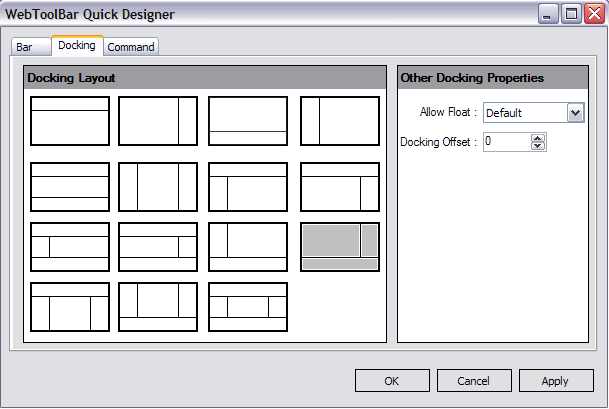
This tutorial demonstrates how to customize Docking layout using WebToolBar Designer. There are many Docking layout combinations you could use in the designer.
- Drag PlaceHolderManager from Toolbox into a WebForm page.
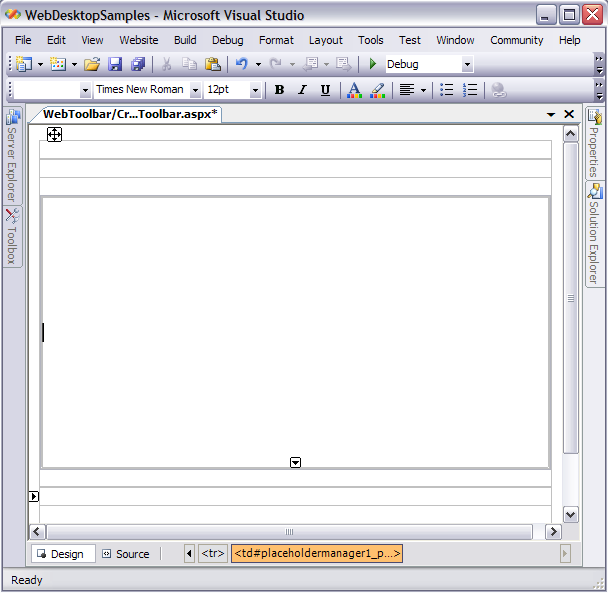
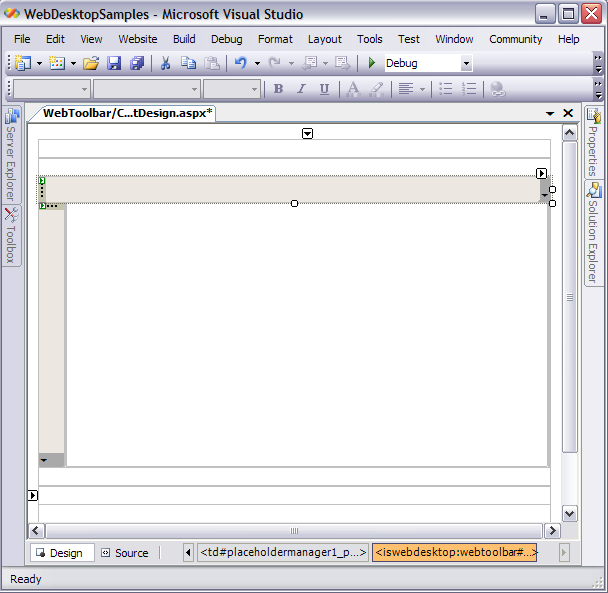
- Drag WebToolBar from Toolbox into the PlaceHolderManager. Note that in the snapshot below, it displays 2 WebToolBar in the top and
left docking.
- Customize the Docking layout using WebToolBar Quick Designer like the following snapshot.
- Click OK to take affect of the setting.
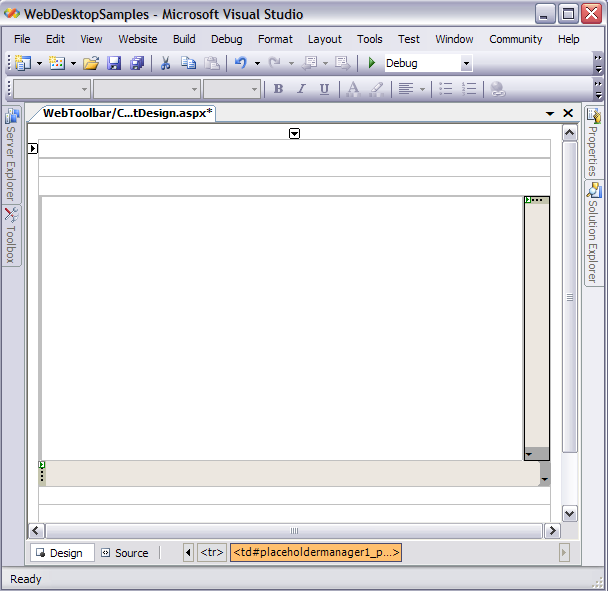
- Finally, the docking layout will apply the changes and it will display like the following.
 See Also
Related Articles
{Creating Dockable Toolbar}
{Configuring Multiple Rows Docking}