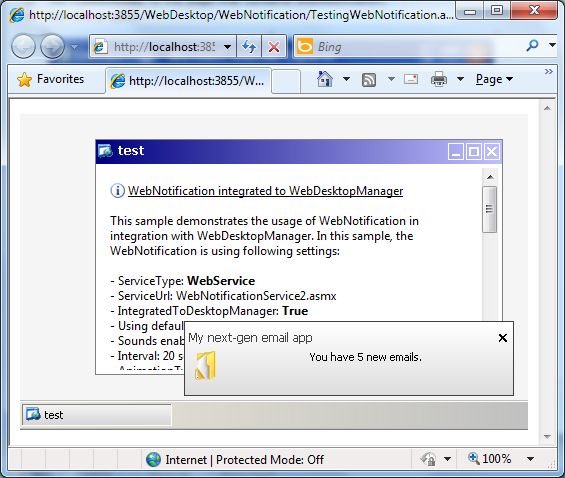
WebNotification can be used in both stand-alone and integration mode. However, most of time developers will prefer to consolidate all menu instances in entire application to use one style definition. Thanks to the hybrid menu system which enables tight integration with desktop manager and allow developers to specify the menu styles at desktop manager level. In this tutorial we will see how to implement it.
- Create a page containing WebNotification control.
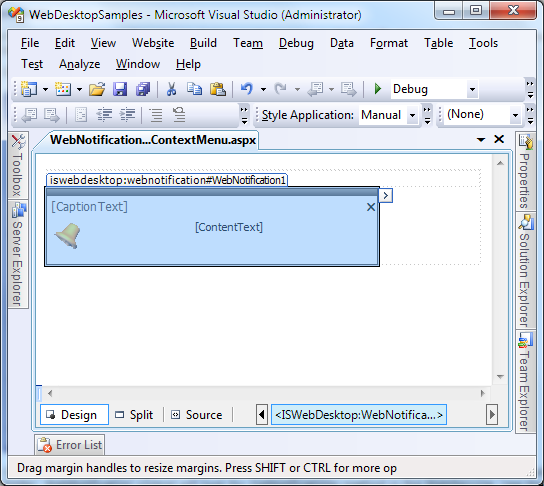
- Following are properties to be set in the WebNotification designer. Ensure the IntegratedToDesktopManager is set to true.
Properties Values ServiceType WebService ServiceUrl WebNotificationService.asmx IntegratedToDesktopManager True Interval 20 seconds AnimationType Sliding NotifyWindowClickable True NotifyWindowURL http://dev2.intersoftpt.com
- Create a page containing WebDesktopManager control.
- Add a window and set ContentMode to UseIFrame.
- Set ContentURL to the page that contains WebNotification.
- Run the project.