Objectives
WebNotification control will call the specified ServiceUrl periodically. In this tutorial, the WebNotification will use WebService engine as its ServiceType.
- Drag the WebNotification from ToolBox into the webform page.
-

- Create a WebService, then add a webmethod into it. In this webmethod, you can set text and caption to be shown by the WebNotification. The
WebNotification control will look for "GetNotifications" method in the specified webform page. The code looks like the following:
-
C#  Copy Code
[WebMethod ]
public WebNotificationEventCollection GetNotifications( WebNotificationEventArgs e)
{
WebNotificationEventCollection collection = new WebNotificationEventCollection ();
WebNotificationEvent evnt = new WebNotificationEvent ();
evnt.CaptionText = "Samples";
evnt.ContentText = "Hello world from WebNotification!\nCurrent time is:" + DateTime.Now.ToLongTimeString();collection.Notifications = new WebNotificationEvent[] { evnt };
return collection;
}
- Open the WebNotification designer. Set the ServiceType to WebService, and the ServiceUrl to the created webservice.

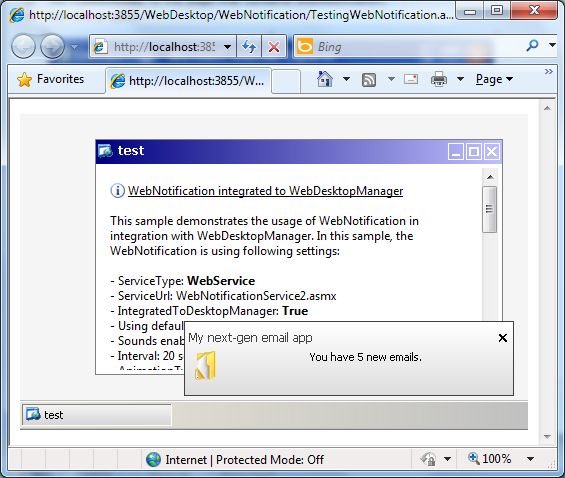
- Finally, run the WebForm to see the notification.