


WebDialogBox provides you a powerful dialog box component from Intersoft that delivers a true desktop experience. WebDialogBox has keyboard support and eight predefined button types returned as DialogResult when it is close. Offers you with easiest way to change the style of dialog box, WebDialogBox allows you to make stylish dialog box in web applications.
In version 4, WebDialogBox fully supports the latest web standards and style sheet language which is HTML5 and CSS3. In use, WebDialogBox will appear like WebDesktopWindow but it has more simplicity in terms of content because it has been configured based on CSS3. Take a deep consideration on usage of padding. Padding in HTML5 has different rendering because HTML5 has content-box as default value of box-sizing. With consistency for each modern browsers, WebDialogBox stands out as fabulous component in creating web application.
These are the following details of enhancements and new features that have been implemented in WebDialogBox:
-
Fluid content
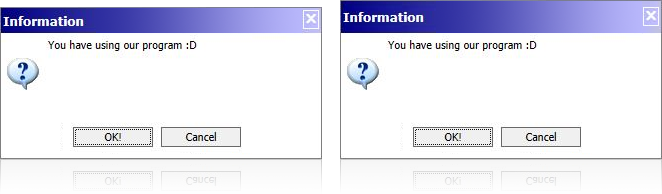
Adopting from WebDesktopWindow, in version 4, you can specify the height of its header by using WindowHeaderHeight property in WindowSettings. The default value is 24 and the rest area of container will be calculated automatically by WebDialogBox.
-
Smooth moving and resizing
In version 4, WebDialogBox also revamps all of its structures. Now, by using div element, this control can resize smoother than the earlier version and it has good performance on moving.
-
Automatic partition area
The content inside WebDialogBox has been changed due to table differences in HTML. In version 4, the area between image, text, and button are divided by CSS3 calc. This methods let the browser to adjust the size of WebDialogBox' content regarding its frame.
-
New intuitive style in WebDesktop 4
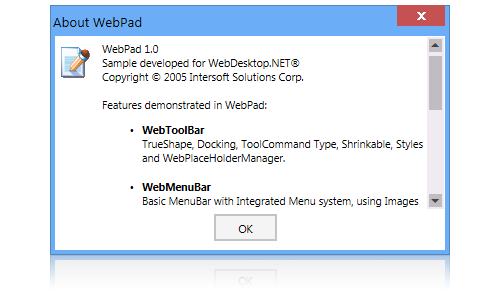
In version 4, WebDesktop present a new style in each of its control. Metro style as the latest UI in Windows 8 had been implemented and became brand new UI in our WebDesktop control. Metro style makes WebDesktop simpler, tidier, and more attractive for each control's UI. The intuitive design of Metro style also provides consistency of each control in HTML5.
To enable this feature, you just need to Integrate WebDialogBox to WebDesktopManager with Metro Style by setting the value of IntegrateToDesktopManager property to true value. When you integrate WebDialogBox to WebDesktopManager, WebDialogBox will inherit all the styles from WebDesktopManager and add it to WebDialogBox even if WebDesktopManager has complex images border inside it.
 See Also
Features
Features