Objectives
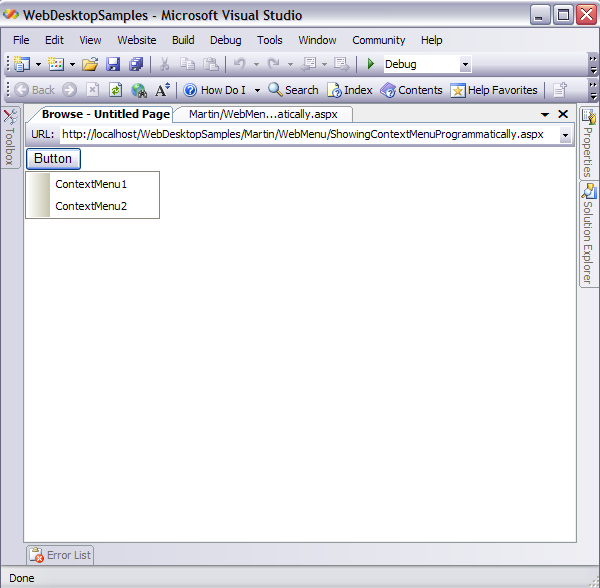
WebContextMenu comes up with its ability to be shown programmatically from Server Side.
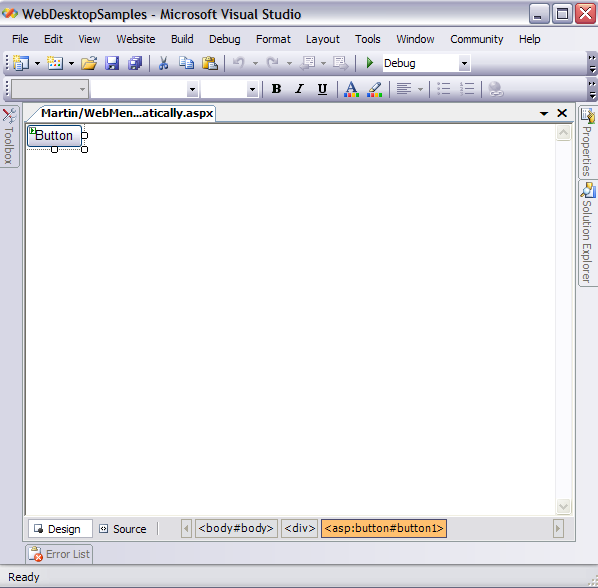
- Drag a Server Button from Toolbox into a WebForm page.
-
In the Server-side or Code-behind, add the following codes:
C#  Copy Code
protected void Page_Load(object sender, EventArgs e)
{
WebContextMenu wcm = new WebContextMenu();
wcm.ControlId = "Button1";
WebMenuItem wmi1 = new WebMenuItem();
wmi1.Name = "mnuContextMenu1";
wmi1.Text = "ContextMenu1";
wcm.Items.Add(wmi1);
WebMenuItem wmi2 = new WebMenuItem();
wmi2.Name = "mnuContextMenu2";
wmi2.Text = "ContextMenu2";
wcm.Items.Add(wmi2);
HtmlForm frm = (HtmlForm)Page.FindControl("Form1");
frm.Controls.Add(wcm);
}
- Run the Project and right-click your mouse on the Server Button, and you will see something like following.