Objectives:
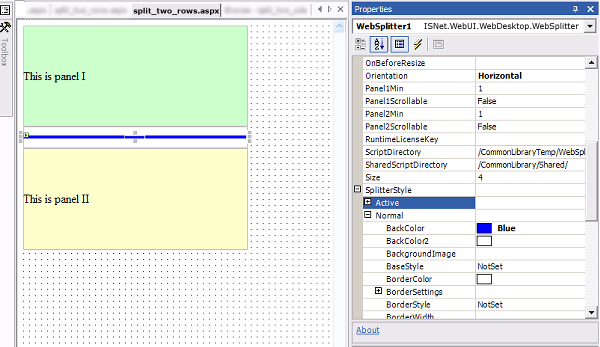
Add Horizontal WebSplitter between 2 cells of row, simply by adding a cell between two rows and drag and drop the WebSplitter onto it.
- Presume there are already two cells in the row you want to split
- Add a new cell between the cells you want to split.


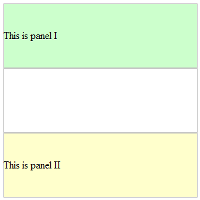
- Drag and drop the WebSplitter control into the cell you have just created
- Set the orientation property to horizontal, and other properties to set the control's behavior and design