


Objectives
WebButton has two types of PostBack OnTheFlyPostBack and FullPostBack. This tutorial will show you how to execute ClientAction Engine during FlyPostBack
execution.
- Drag Label to WebForm.
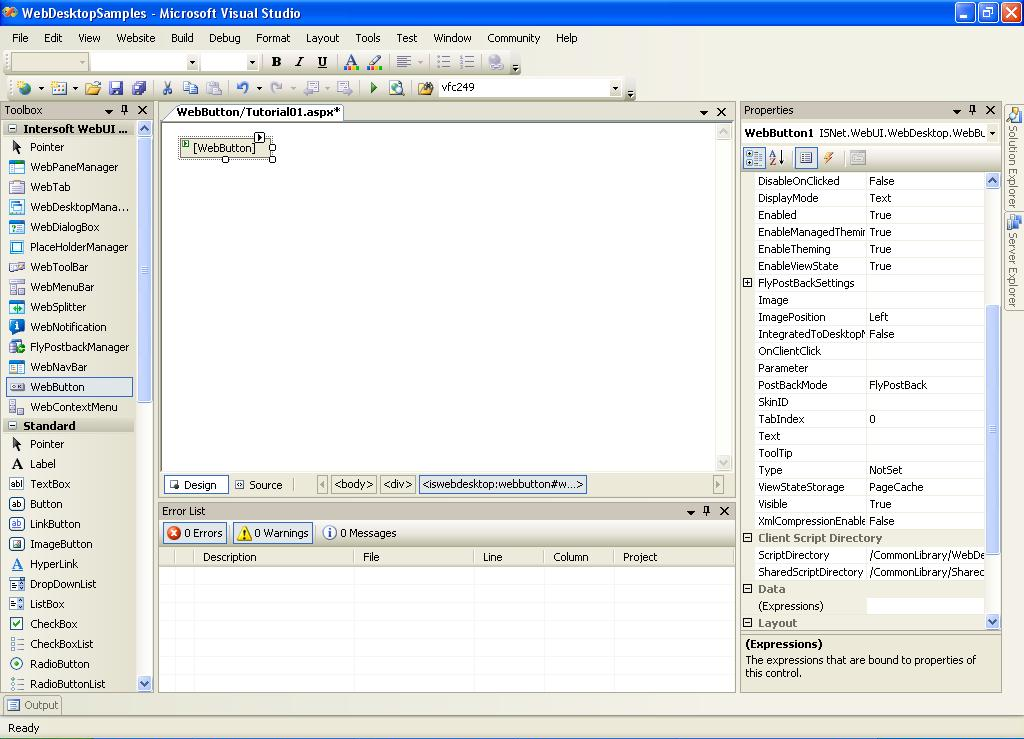
- Drag WebButton to WebForm.
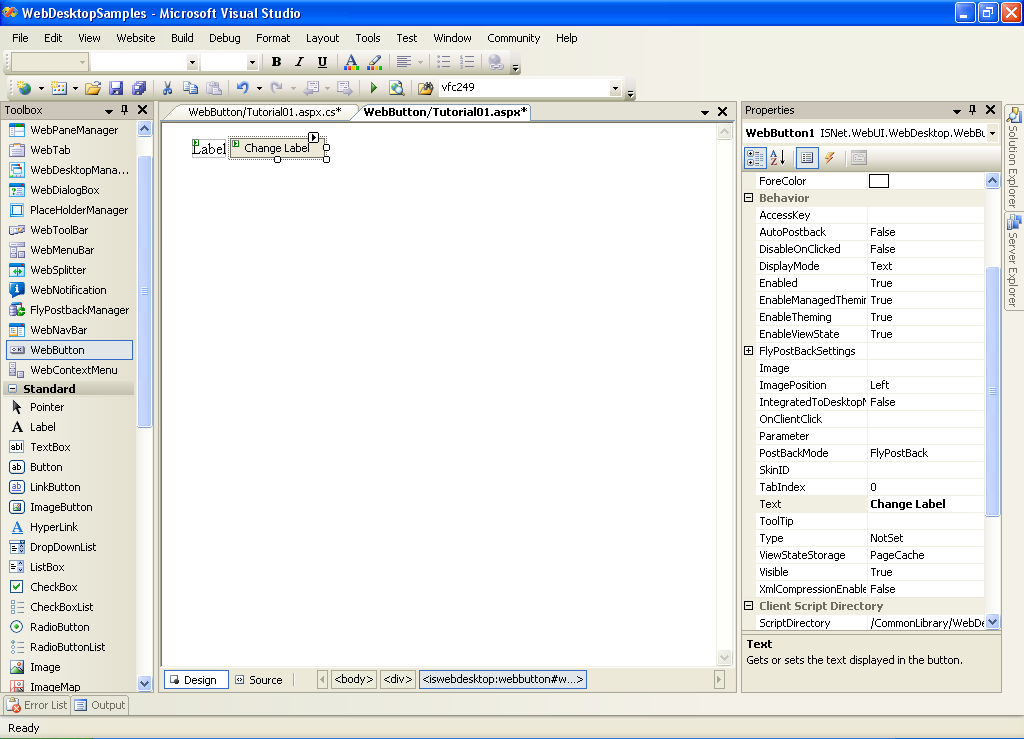
- Open WebButton's Property Window.
- In WebButton's Property, change AutoPostBack Property Value to True.
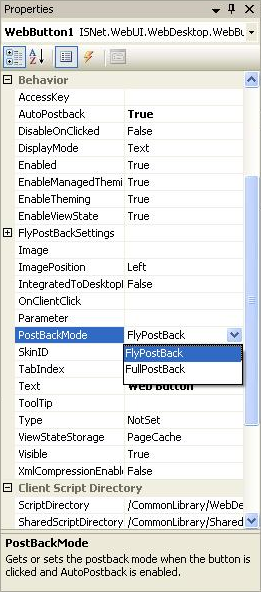
- In WebButton's Property, change PostBackMode Value to FlyPostBack.
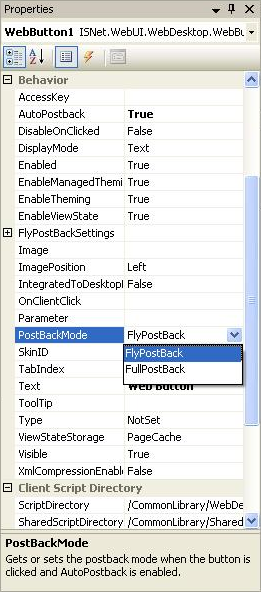
- In Event Properties, initiate Clicked Event.
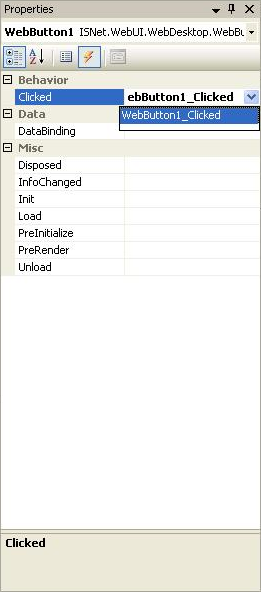
- Change Text Property of Label in Clicked Event and Alert the User.
C#  Copy Code
protected void WebButton1_Clicked(object sender, ISNet.WebUI.WebDesktop.WebButtonClickedEventArgs e)
{
// change the text of Label1
Label1.Text = "Label1 is changed, and you should see an alert message";
// refresh the controls which being modified , in this case only Label1
WebButton1.ClientAction.RefreshModifiedControls();
// execute alert message
WebButton1.ClientAction.Alert("Label1 is changed");
}