


Objectives
WebButton has two types of PostBack OnTheFlyPostBack and FullPostBack. This tutorial will show you how to execute server side codes in OnTheFlyPostBack
mode.
- Drag WebButton to WebForm.
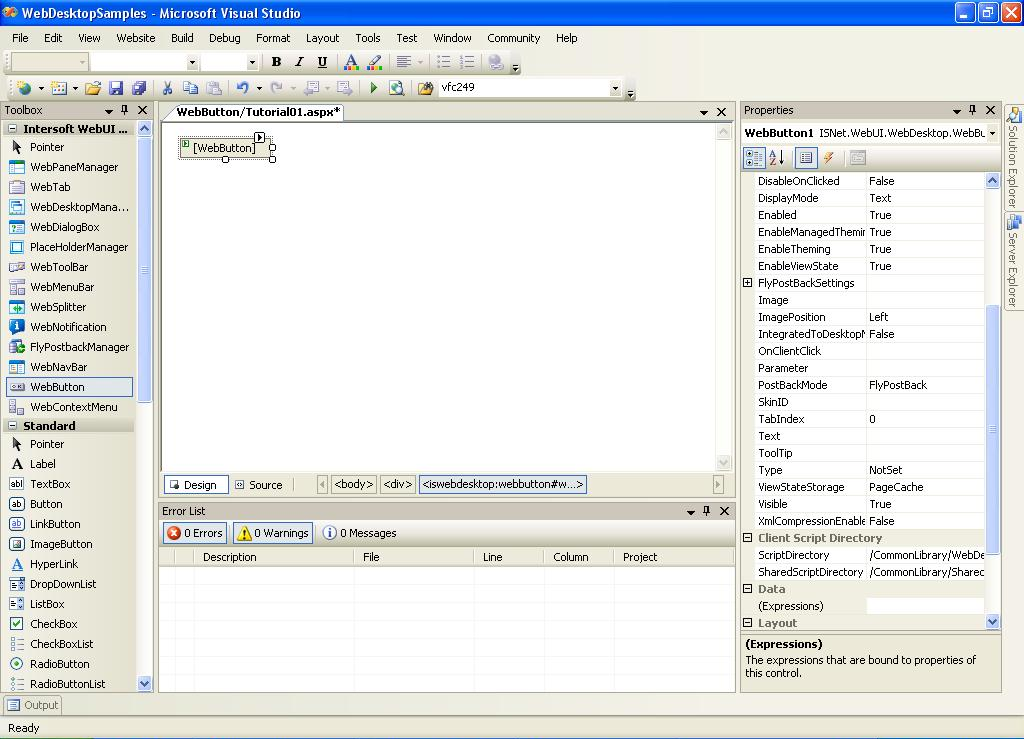
- Open WebButton's Property Window.
- In WebButton's Property, change AutoPostBack Property to True.
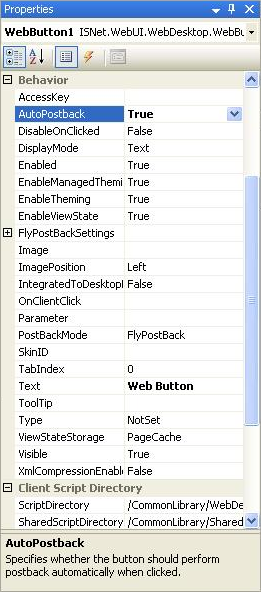
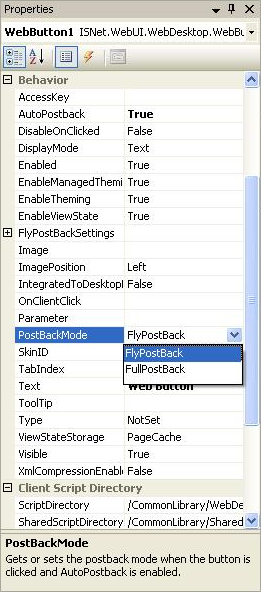
- In WebButton's Property, change PostBackMode Value to FlyPostBack
- In Event Properties, initiate Clicked Event.
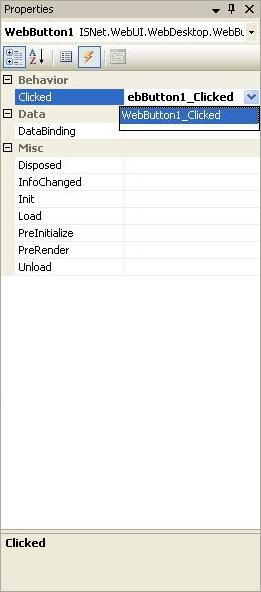
- Put some server side codes inside the Clicked Event
In this case i will set a value into session state.
C#  Copy Code
protected void WebButton1_Clicked(object sender, ISNet.WebUI.WebDesktop.WebButtonClickedEventArgs e)
{
// put value to session
Session["Message"] = "Hello World";
}