


Objectives
Unlike the usual .NET's Button where Automatic Postback is set up by default, WebButton by default is not configured for Automatic Postback. This tutorial
will guide you on how to enable automatic postback when clicked.
The following are the steps to enable WebButton's Automatic Postback :
- Drag WebButton to WebForm.
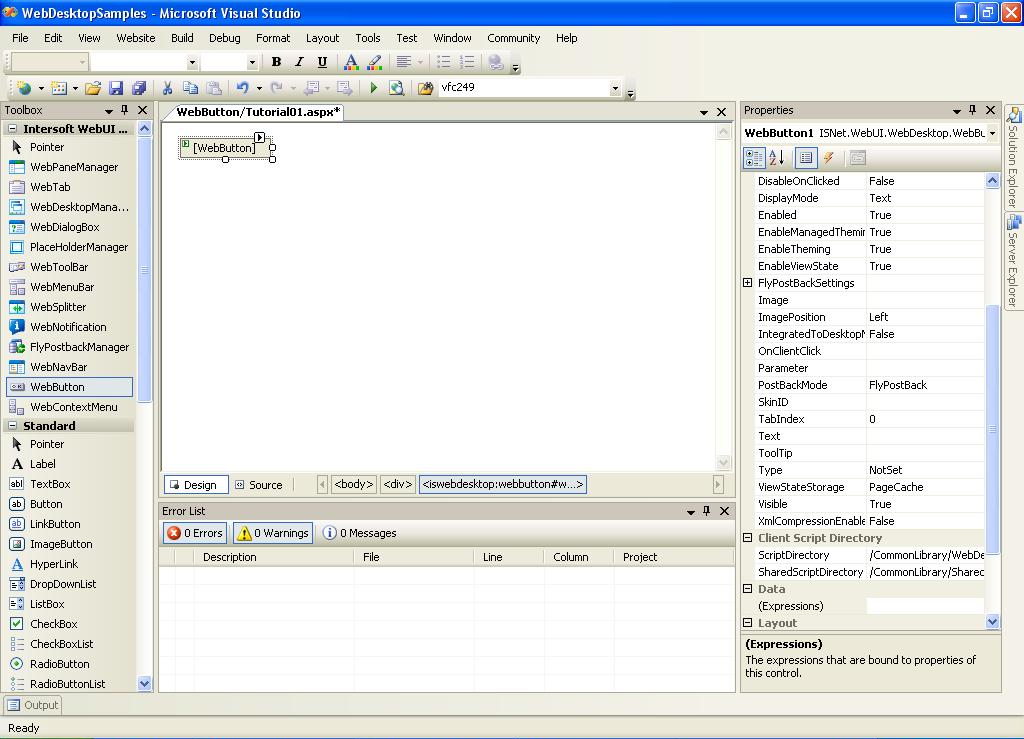
- Open WebButton's Property Window.
- In WebButton's Properties, change AutoPostBack property to True.

- Specify the PostBackMode value. You can choose between FlyPostBack or FullPostBack mode.
