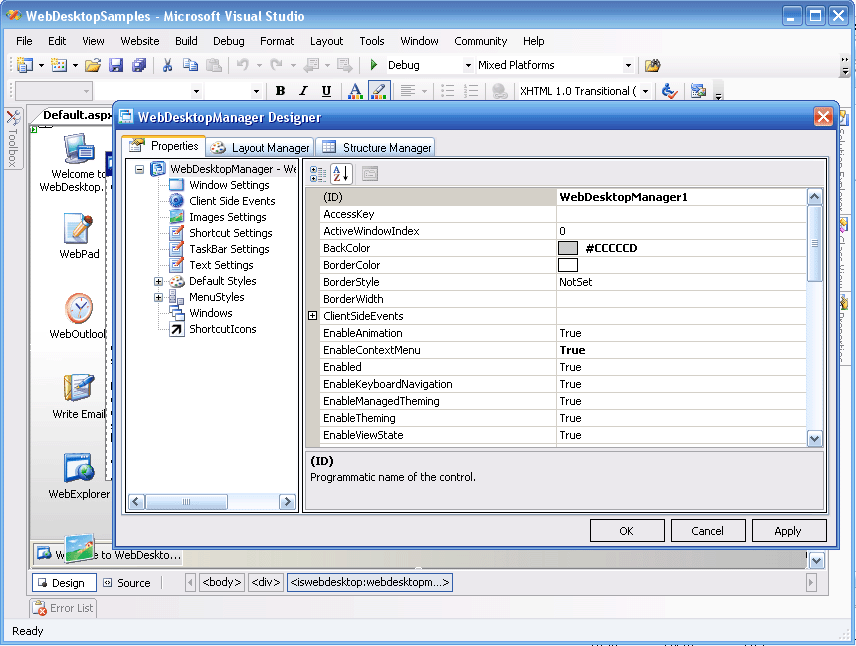
Step By Step Guide to use Component Editor
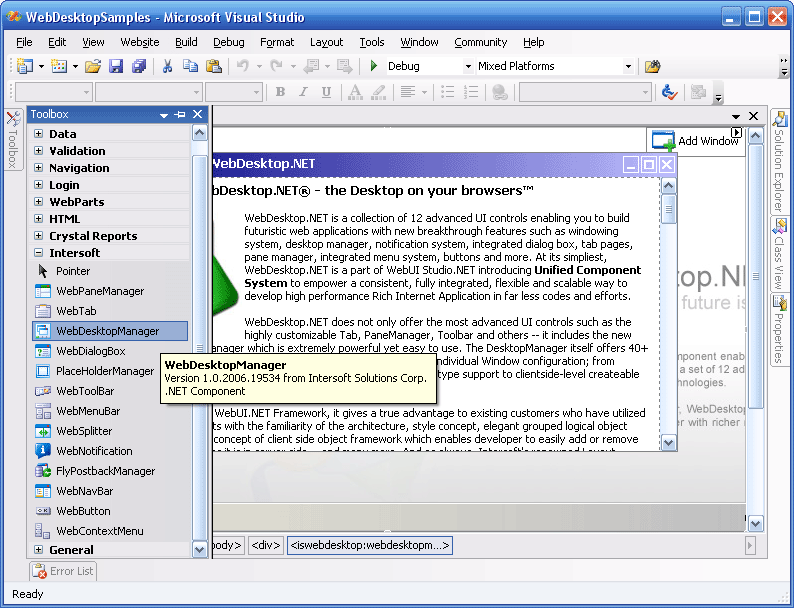
- Drag one of the WebDesktop Components from the ToolBox to the Design Surface
- Right click on the Component and choose Component Name* Designer
* Depends on the name of the Component eg. Web Desktop Designer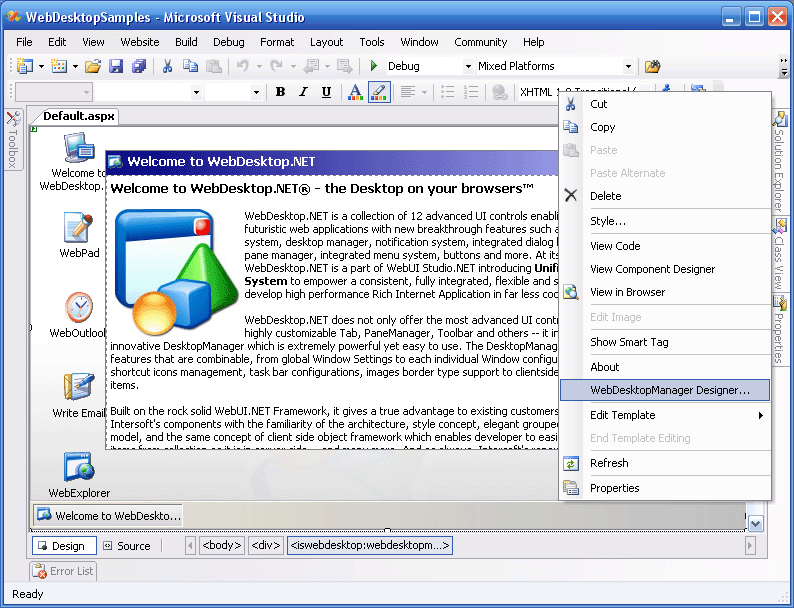
- The Designer then pops up and you can do the modification of the component there.