Deploying Theme
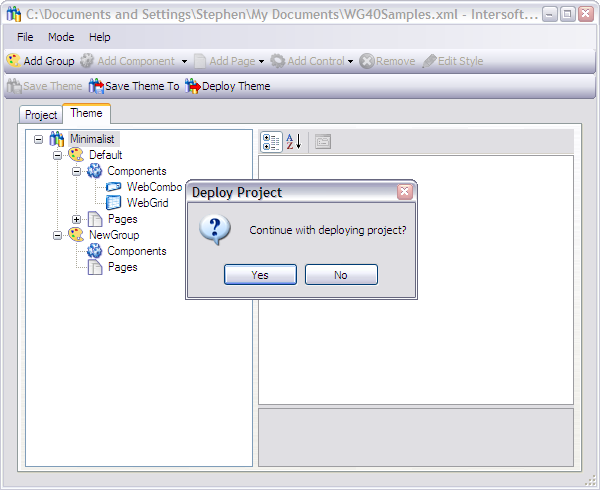
Deploying a theme is a very simple task. All we need to do is clicking on the Deploy Theme button and then confirm the deployment when a dialog box is shown. What happens after you click the deploy button is the WebStyleManager copies the project file to the Web application physical path and change its name to "istheme.config".
When you run your Web application after deploying the theme, the WebUI.NET Framework will look into the Web application physical path for the istheme.config file and apply the theme definitions that you have created to the Web application.