


Using Style Editor
The style editor is used to create or edit a style for a specific component or control whose node is selected in the Theme tab. After clicking the Edit Style button this style editor dialog will be shown.
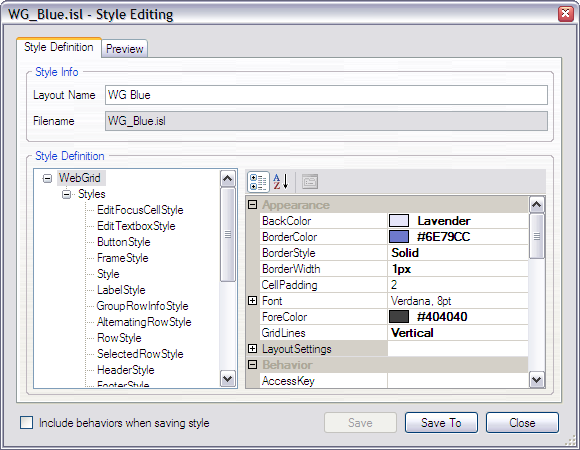
To edit a style, simply click one of the styles listed in the treeview. Then you can change its properties in the property grid. After changing the style properties, you need to save the layout file by clicking the Save button.
The Save To button allows you to save the layout file to another place for other uses or purposes, but it would not save the layout file to the current theme data folder. All layout files are saved as ISL files (*.ISL).
Finally, to preview the changes simply select the the Preview tab.